September 7, 2026 · 10 min read
Instagram DM Automation for Event Equipment Rentals
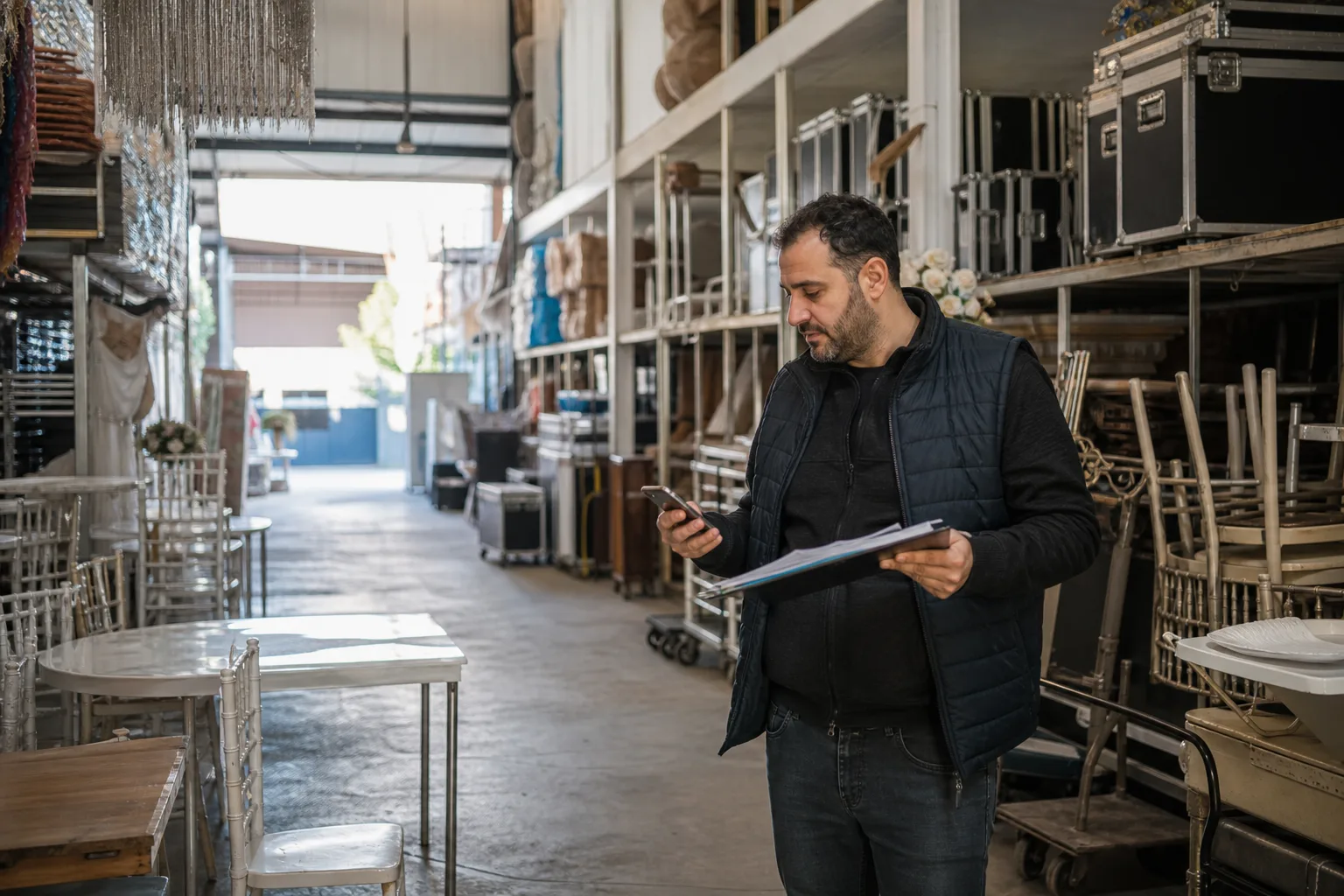
For event equipment rental companies, an Instagram conversation often begins with a product photo: “Do you have 150 of these chairs on 20 June?” A catalogue alone cannot answer. The item may be held for another event, partly under maintenance, outside the delivery area or impossible to install because the crew is full. DM automation speeds up reservations safely only when it connects to live availability, operational capacity and human approval.
Turn the Referenced Photo into a Product Identity
A customer may refer to an image from a post or story. The system should connect its media reference to a product family in the catalogue rather than relying on free text such as “gold chair.” Two similar models may use different transport cases, quantities or pricing rules. When the match is uncertain, show two candidates and ask the customer to choose instead of reserving the wrong item.
The product card should contain facts that support a decision: dimensions, color, material, suitable use, minimum quantity, package contents and delivery method. Do not make accessories used to style the photograph look included in the rental. A clear note that the centerpiece in the image is not part of the package prevents a surprise at the quote stage.
An Availability Question Is Really a Date-Range Question
Availability cannot be calculated from the event day alone. Warehouse departure, setup, event, dismantling, return, counting and maintenance all affect the inventory calendar. Collect delivery and pickup windows with the event date. The system must not allocate one physical item to two jobs that it cannot travel between.
| Status | Answer shown in DM | Behind-the-scenes action |
|---|---|---|
| Available | Quantity and scope are being confirmed | Open a short option hold |
| Partly available | Show available quantity and close alternatives | Check maintenance and other holds |
| On option | Do not promise stock; state decision time | Track the first customer's hold expiry |
| Unavailable | Offer a similar item or another date | Tag the reason for the lost request |
Start the DM Flow with Five Core Fields
Product or collection, quantity, event date, venue location and delivery expectation are the first five fields. Ask for missing information one item at a time before sending a price list. If the customer wants tables, chairs and lighting together, store each as a separate line. One long note makes later inventory allocation difficult.
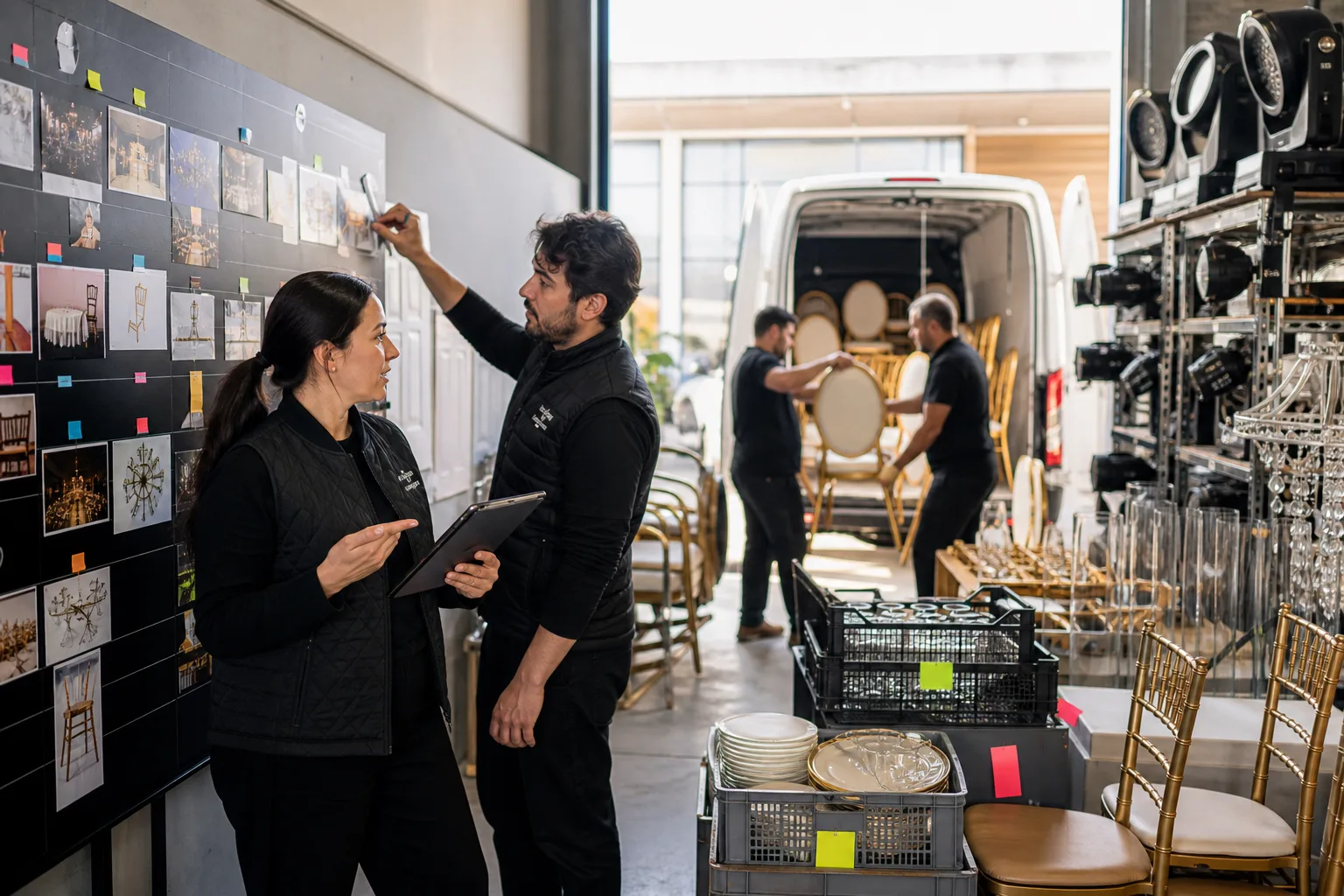
Keep the conversation natural while creating structured data behind it. “An engagement party for 80 in Beykoz on Saturday evening” can become date, district, guest count and event-type fields. The system must not silently assume a date or place when it is uncertain; it should ask one brief confirmation question.
Separate an Option Hold from a Confirmed Reservation
A DM conversation is not enough to remove stock permanently. An option is a temporary state that holds items for a stated period and expires automatically. A confirmed reservation follows the contract, payment or approval step defined by the company. Do not use these terms interchangeably in the interface or customer messages.
State the option duration, exact expiry and confirmation condition. A useful reminder can be sent before expiry, but the automated sequence should stop when the customer replies. Once the hold ends, stock becomes available again and the conversation record should show the change.
Make Every Line Visible in a Package Quote
List tables, chairs, textiles, lighting, transport, setup, dismantling and damage deposit rather than hiding them inside one unexplained total. The customer should see which product, how many units, what service is included and which condition can change the total. Accessories shown in a photograph but absent from the quote need an explicit note.
- Show quantity beside a product code or unambiguous model name.
- State the delivery-zone and lift or floor assumptions behind transport pricing.
- Compare setup and dismantling times with venue access.
- Connect damage, missing-item and late-return conditions to the contract.
- Do not silently overwrite the previous total when the quote version changes.
Build Instagram API Boundaries into the Design
Meta's official Instagram Messaging getting-started documentation describes the professional account, connected assets, permissions and webhook setup. Verify that the account and app meet those requirements before designing the automation. Do not build a reservation system on fragile screen scraping or behavior that imitates a personal account.
The official send-message documentation defines API requirements for text, link and media responses. Reply usefully and in context to customer-initiated conversations; do not disguise disallowed bulk promotion as ordinary support. Policies and product conditions may change, so review current official documentation again during the live implementation.
Create a Control Handoff between the Bot and Warehouse
The conversation should move to a person when inventory cannot be found, a large quantity is requested, option holds overlap or venue access remains unclear. The warehouse coordinator needs more than the chat: show products, quantities, date range, location and existing holds in one summary.
Meta's handover protocol documentation describes passing conversation control between automation and a live team. Once handed over, the bot must stop making new price or availability promises. After the person closes the conversation, records update and controlled automation can resume.
Do Not Leave Inventory and DM Data Moving One Way
If the DM system reads inventory while reservations live elsewhere, the two records soon diverge. Opening an option must update the calendar. When it expires, an order is cancelled or an item enters maintenance, the DM side needs the new state. Recording the time, source and owner of each change makes double-booking investigations possible.
Measure incorrect stock promises, human corrections, option-to-reservation conversion, unavailability reasons and dispatch conflicts as well as response time. High DM volume is not success. Delivering the correct physical item on the correct date is success.
Run Collision Tests before Going Live
- Test two customers requesting an option on the same item and date at the same time.
- Test items under maintenance, partly available and returning late to the warehouse.
- Check the confirmation step when a customer selects the wrong model from a post photo.
- Exercise operational exceptions such as no lift, distant delivery and night dismantling.
- Verify that the bot sends no price or availability message after human handoff.
- Confirm that inventory is released safely when an option expires.
An Instagram Reservation Flow with BozLat AI
BozLat AI can collect product, quantity, date and location in Instagram DM and transfer requests that match your inventory or operational system to the team in a structured summary. See the Instagram DM automation guide for the foundation and the pricing page for service scope. Starting with one frequently rented product family and one delivery region makes early conflicts easier to detect.
Frequently Asked Questions
Related Articles
9 min read
Instagram DM Print Quote Intake for Commercial Printers
Collect size, quantity, stock, colour, finishing and delivery details through Instagram DM, then prepare a production-ready print quote brief for your team.
9 min read
Instagram DM Intake for Wedding Photography Enquiries
A practical Instagram DM workflow for wedding photographers to qualify date, venue, coverage, deliverables, decision timing and handoff expectations.
9 min read
Property Manager WhatsApp Maintenance Request Automation
Turn resident maintenance messages into structured jobs, route them to the right team and keep people informed without losing requests in busy WhatsApp threads.
Ready to set up an AI assistant for your business?
View Pricing