September 9, 2026 · 9 min read
Web Chat Fault Intake for Professional Boiler Services
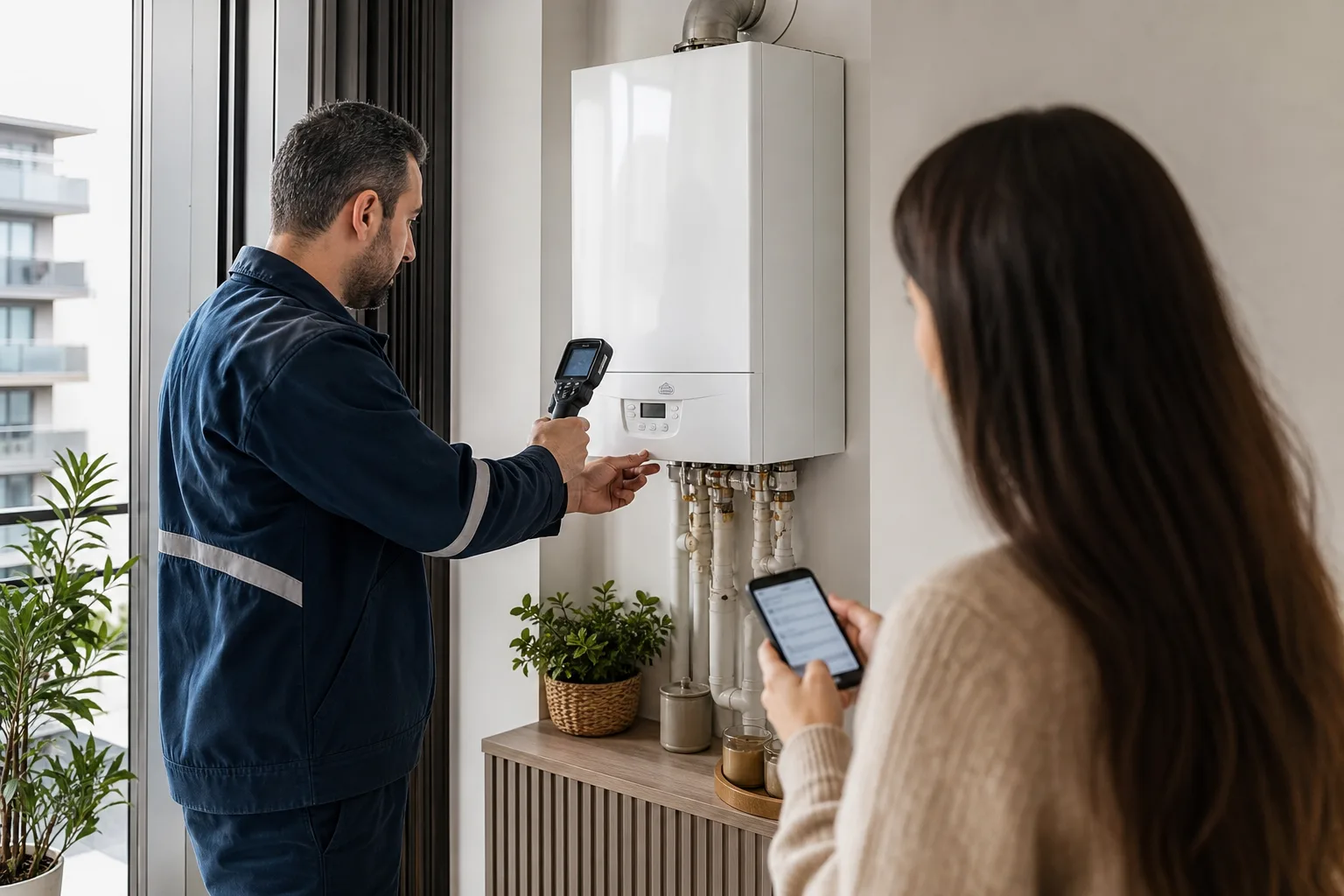
A message saying that a boiler is not heating does not describe one fault. The customer may have only a hot-water issue, see an error code, find that part of the heating system stays cold or report a symptom that should not continue through chat for safety reasons. A web chat assistant should not provide remote repair instructions. It should separate emergencies from ordinary service, collect device and symptom context and prepare an appointment for the right technician.
Put the Safety Gate before Every Diagnostic Question
If the customer reports a gas smell, smoke, burning smell, flame or possible poisoning symptoms, stop the long intake flow. The assistant must not tell them to dismantle the appliance, test a valve or restart it. In Istanbul, İGDAŞ's official Natural Gas Emergency 187 page identifies 187 for natural-gas emergencies and 112 for other emergencies. Other regions should use the current official channel of their distribution company.
Keep the safety message brief and visible, then flag the conversation for urgent human attention. The bot does not need to decide whether a leak truly exists. It should preserve the customer's reported symptom and avoid obstructing access to the official emergency channel.
Identify the Appliance before Normal Service Intake
Brand, model, approximate age, fuel and system type, plus any displayed code, provide basic context. If the customer does not know the model, explain generally where a label may be found without asking them to remove the cover. Collect a serial number only when it is genuinely required for parts or warranty checks and can be read safely.
| Symptom group | Short context to ask | Routing |
|---|---|---|
| Hot water | Absent, unstable or delayed | Appliance/system technician |
| Heating | Whole home or selected radiators | Boiler versus heating-system team |
| Code/noise | Exact code and when it began | Model-aware team and possible preparation |
| Water trace | Under appliance or elsewhere | Priority and suitable equipment |
| Safety | Gas, smoke, burning smell or health symptom | Stop chat and show official emergency channel |
Record the Symptom in the Customer's Words
The assistant should not invent a diagnosis such as pump failure. Record the observation instead: the customer reports an intermittent sound when opening hot water and sees E01 on the display. The technical team adds its findings in a separate field later. This distinction reduces unnecessary part preparation and prevents uncertain conclusions from reaching the customer as fact.
Do Not Suggest Risky Repair Steps
Even simple display reading or thermostat guidance from a consumer manual can vary by model and condition. Do not generate steps without a verified source. Chat should never direct work on the gas line, combustion chamber, electrical connection or appliance cover. The safe boundary is to collect information, link to an official manual where appropriate and schedule qualified service.
If the assistant shows a suggestion, its source, valid model range and stop condition must be clear. When the customer reports a different symptom, reclassify the flow instead of repeatedly insisting on earlier generic steps.
Assign More than an Empty Calendar Slot
Choose the technician by appliance family, symptom group, region, likely duration and measurement equipment. Assigning solely to a free slot can create a second visit. Never promise a part replacement or same-day resolution before the requirement is established.
- Confirm address, appliance model and contact before the appointment.
- Pass customer statements and any image to the technician with a source label.
- Keep the arrival window realistic for route density.
- Mark uncertain warranty or authorized-service status as a check step.
- Connect a necessary second visit to the same work order instead of closing the first record.
Collect Only Necessary Images and Personal Data
A display-code or appliance-label photo can help, but do not request views of the whole home, people, bills or unrelated private areas. Explain why an image is needed and who will see it. Do not make media mandatory when model and code can be supplied as text.
Use address and telephone details only for the appointment. Building a marketing profile from web chat analytics is a separate purpose. Define retention periods and roles so each technician sees only records needed for assigned work. Our privacy-compliant chatbot guide provides an additional data-minimization framework.
Tie Human Handoff to Symptoms and Confidence
Transfer to a person for a safety signal, unknown code, conflicting answers, repeated fault, warranty mismatch or distressed customer. The summary should contain appliance, symptom, start time, previously tried safe steps, address and availability. Once a person takes control, the bot must stop producing diagnoses or appointment promises.
Measure More than First-Visit Resolution
First-visit closure alone does not describe quality. Track incorrect team assignment, missing device context, a safety case falling back into normal flow, repeat visits, delays and how often the customer repeats information. The target is a correctly classified, safe service job, not a high number of chats closed automatically.
Run Safety and Routing Tests before Launch
- Confirm that gas smell, smoke and health symptoms stop ordinary booking immediately.
- Test unknown models, mistyped codes and customers who share no photograph.
- Verify that hot-water and radiator issues can reach different team pools.
- Check that distant jobs are not placed in the same arrival window.
- Confirm that the bot provides no technical suggestion after human handoff.
- Recheck published emergency numbers and links against official pages regularly.
A Boiler Service Intake Flow with BozLat AI
BozLat AI can run a safety gate in web chat, structure appliance and symptom context, route suitable work to the right technician and create an appointment summary. See the pricing page for website-channel scope and our chatbot knowledge-base guide for source boundaries. Start with a few common, safely routable symptom groups and expand the scope in controlled steps.
Frequently Asked Questions
Related Articles
9 min read
WhatsApp Damage Intake for Professional Auto Glass Shops
Collect auto glass damage photos in WhatsApp, then create a complete record for safe guidance, part verification and a properly prepared service appointment.
9 min read
Web Chat Matching for Industrial Spare Parts Buyers
A practical web chat workflow for industrial spare-parts sellers to capture machine identity, part codes, dimensions, operating context and buyer urgency.
9 min read
Web Chat Pre-Survey Intake for Solar Installation Firms
Collect roof type, location, consumption context and document status in web chat, then prepare a qualified solar survey request for engineering review.
Ready to set up an AI assistant for your business?
View Pricing