August 17, 2026 · 8 min read
Message Traffic Management: After-Hours, Peak Days and Negative Reviews
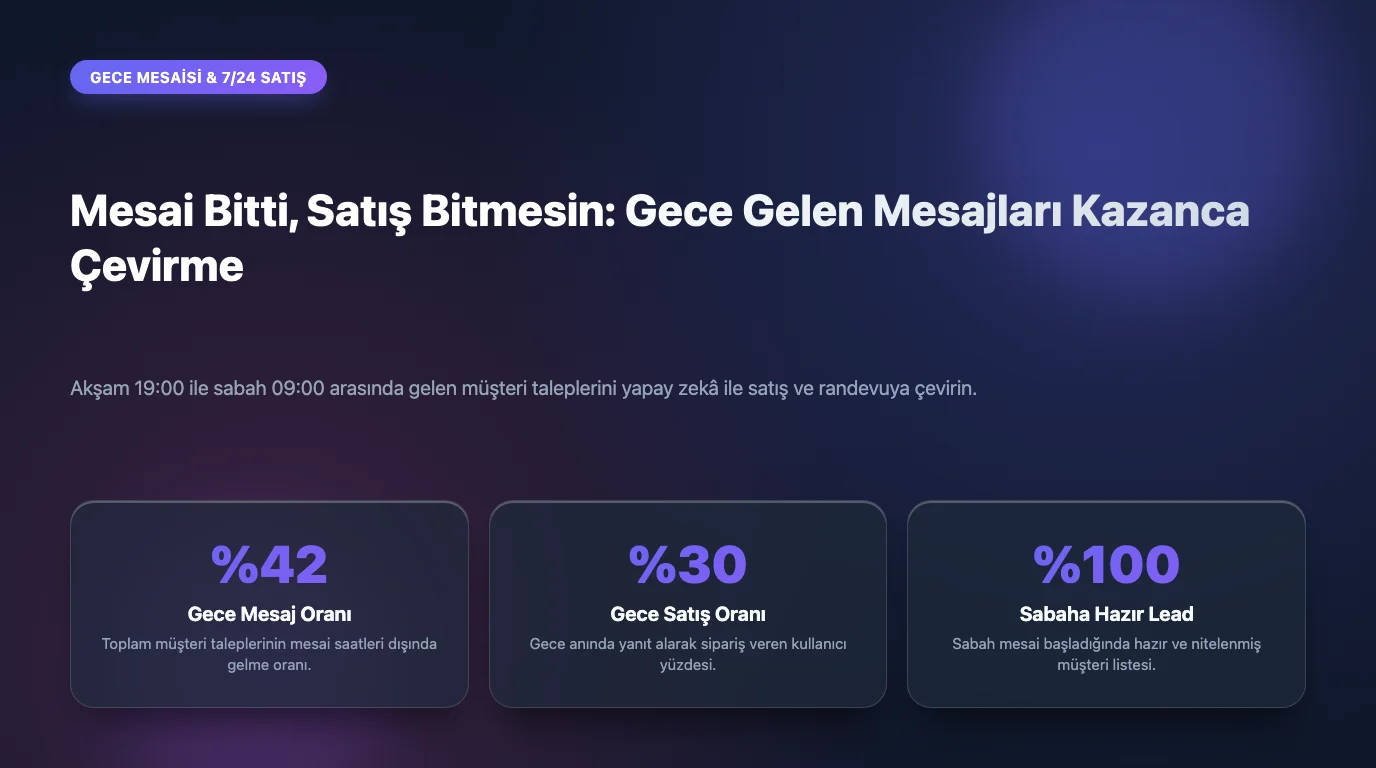
People research after work, after dinner and at weekends. Businesses are closed exactly then. The result: part of the demand has already gone elsewhere by the time you open. After-hours is not lost time; in most sectors it is the least-used window of opportunity.
Why night messages matter
Someone writing in the evening usually has an urgent need or is about to decide. A reply at 9 am misses the moment of decision. And they rarely wrote to one business only; the first to answer has the advantage.

Three levels
| Level | What it does | Who it suits |
|---|---|---|
| Inform | States you are closed and when you will reply | Any business getting started |
| Answer | Answers frequent questions correctly at night too | Businesses with repetitive questions |
| Transact | Books appointments, prepares quotes, reports order status | Appointment and order-heavy businesses |
Most businesses stop at level one. The real difference appears at levels two and three: a customer who books at 11 pm does not forget to call in the morning, because the job is already done.
How to write the automatic reply
- Emphasise when you will return rather than that you are closed: "We reply at 9 am tomorrow".
- Offer something they can do meanwhile: book an appointment, see prices, check an order.
- Explain what to do in an emergency; essential in healthcare and technical services.
- Keep it short. Long text read at night is not read at all.
The morning routine: first 30 minutes
To stop overnight messages turning into chaos, set a simple order: first those closest to buying (asked a price, requested an appointment), then information requests, then general questions. An AI assistant can make this distinction overnight and leave you a sorted list.
Weekends are different
In many sectors weekend volume exceeds weekdays, because people research in their free time. A Saturday message answered on Monday morning is a two-day delay. It is worth having a separate weekend auto-reply and a dedicated Monday follow-up list.
Measure the conversion of night messages
Track two numbers for a month: how many messages arrive outside working hours, and how many turn into an appointment, quote or order. Watching that ratio change after adding an auto-reply and night-time capability is the clearest evidence of return.
Leaving night messages until morning is like closing the door of an open shop and sitting inside. Keeping the door open costs less than the customers who walk away.
Campaign Day Message Flood: A Readiness Checklist
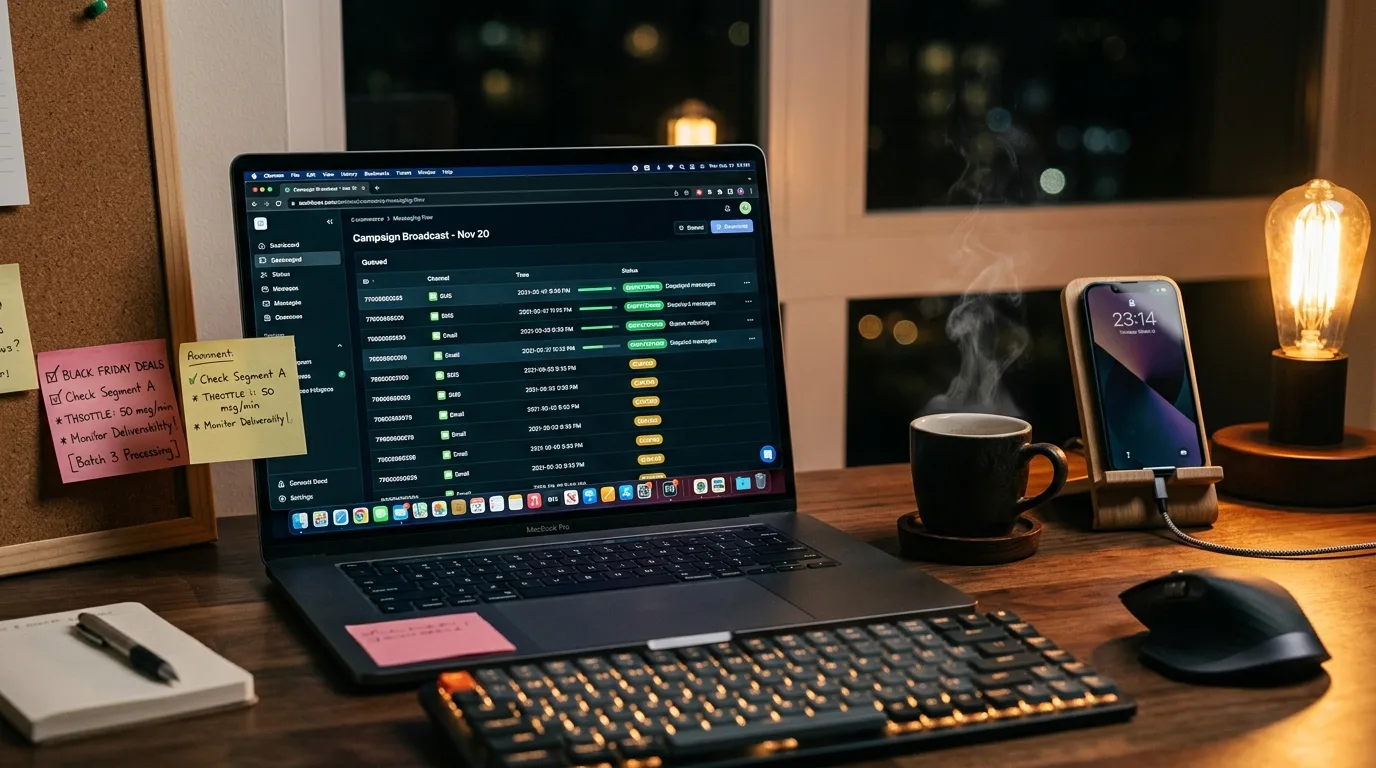
What overwhelms businesses on campaign days is not sales volume but the pile of questions arriving at once. "Is it in stock", "the code did not work", "will it ship today" all compress into a few hours. A business caught unprepared closes the campaign with apologies instead of sales.
One week before
- Open last campaign's conversations and extract the ten most frequent questions.
- Add those answers to your knowledge base and collect campaign terms in a single document.
- Write the rules clearly: which products are included, when it ends, how many times a coupon can be used.
- Compare the three places terms appear (site, banner, messages) and make them identical.
One day before
This day is for rehearsal. Message yourself as a customer and ask the five most critical questions. If you dislike the answers you still have time; fixing them after launch is far more expensive.
- Verify the automatic reply works on every channel separately.
- Review what happens to after-hours messages; campaign traffic shifts late.
- Do not loosen the human handover rule, instead, clarify which topics go straight to a person.
Campaign day: three critical hours
Traffic usually peaks three times: the first hour after the announcement, lunchtime, and the final three hours. Plan staffing around those windows instead of spreading it evenly.
| Time window | Expected question type | Preparation |
|---|---|---|
| First hour after announcement | Scope of campaign, discount code | A ready, precise campaign summary |
| Lunchtime | Stock and size questions | Access to current stock information |
| Final three hours | Shipping cut-off, extension | A definitive cut-off sentence |
| Next day | Order status, returns | Order tracking guidance |
Prepare a reply set
On campaign day you will not have time to compose. Write five or six replies in advance: campaign summary, why a coupon fails, out of stock, shipping cut-off, return terms, no extension. These become the shared source for both the assistant and the team.
What to watch during the day
- Unanswered conversations: should stay near zero.
- Topics handed to humans: if the same topic repeats, add a ready reply immediately.
- Misunderstandings about the rules: fix the announcement text the same day.
After the campaign, the most valuable task is saving that day's question list. Preparing the next campaign becomes far faster with it.
The common mistake: going silent
The worst decision under load is not replying at all because you cannot answer fully. Even a short "We are busy right now, we will get back to you within the hour" keeps the customer waiting. Silence hands the order to a competitor.
Your Customer Messages Are Gold: Building a Real FAQ List
Most "Frequently Asked Questions" pages do not contain frequently asked questions. They are usually written from guesses in a meeting and left untouched for years. The real list is already in your hands: in the messages customers send you.
Why guessing fails
The owner knows the product from inside; the customer sees it from outside. So the questions a business considers important rarely match what customers actually ask. Customers do not ask about technical specifications; they ask "is there parking", "how many days for delivery", "do you offer instalments", things that decide a purchase.
Step 1: Collect one week of raw data
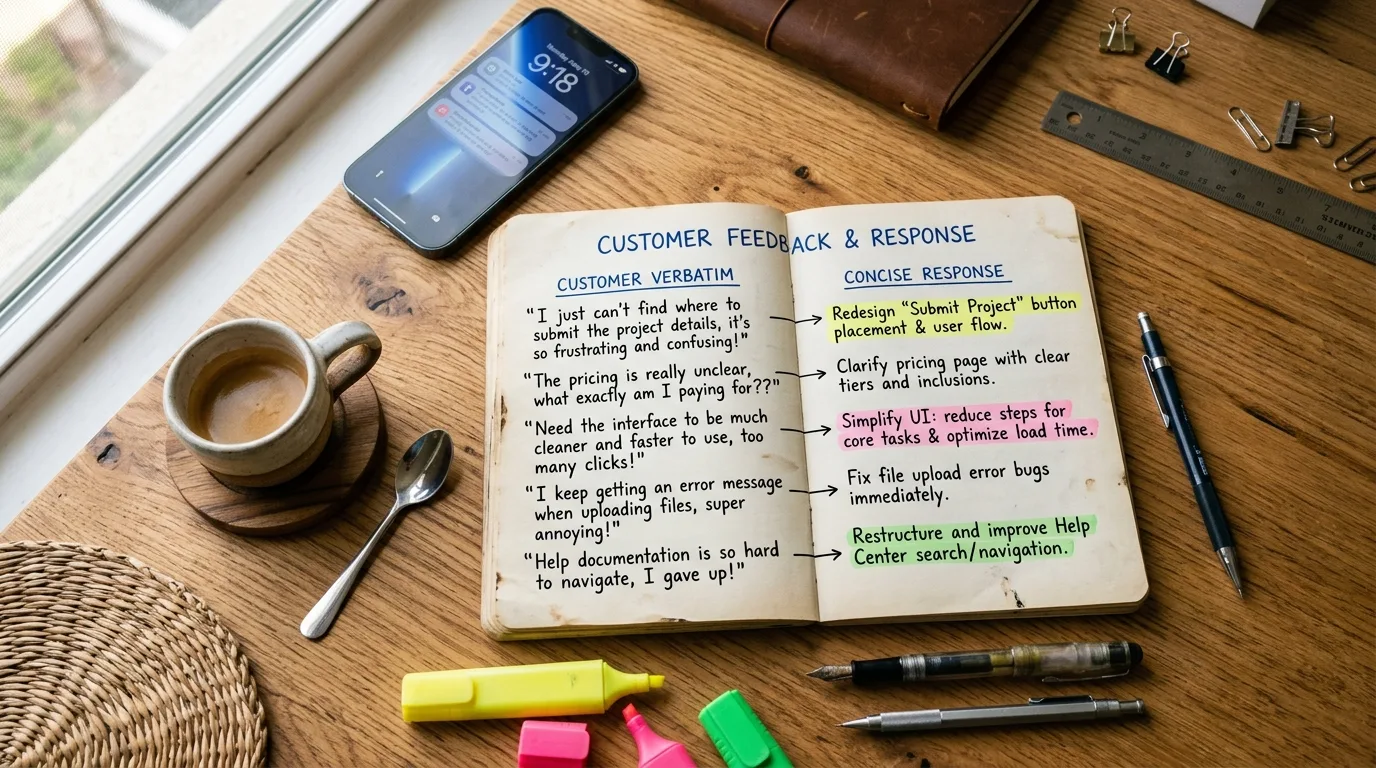
Take only the last seven days from WhatsApp, Instagram DM and website chat. A longer period is unnecessary; a week that covers both weekdays and the weekend is enough to reveal repeating patterns.
Step 2: Write questions in the customer's own words
A common mistake is tidying questions while noting them. Do not write "information about the shipping process"; copy what the customer wrote: "if I order today will it arrive tomorrow". These raw sentences shape both your FAQ headings and the phrasing your assistant will recognise.
Step 3: Group and count
- Merge questions that mean the same thing under one heading.
- Write down how many times each heading appeared.
- The top ten headings are the skeleton of your FAQ.
- Set aside anything asked fewer than three times; that is work for the second round.
Step 4: Write answers that enable a decision
A good FAQ answer informs and lets the reader decide. "Delivery times may vary" is useless. "Orders within Istanbul arrive next day, other cities in 2-3 business days. Orders placed before 3 pm ship the same day" moves the customer to a decision.
Step 5: Use the same list in three places
| Where | What it does |
|---|---|
| Website FAQ page | Brings question-driven visitors from search engines |
| AI assistant knowledge base | Ensures the most common questions are answered correctly |
| Internal team note | Shortens the first week for a new hire |
One piece of work paying off in three places makes this one of the highest-return tasks on your list.
Step 6: Repeat monthly
Campaigns, seasons and new products change the question pattern. A 20-minute monthly review keeps the list alive. Adding new questions is far easier than rewriting a stale list from scratch.
One caution
While building the list, do not copy customer names, phone numbers or order details. Take only the question itself. Not duplicating personal data unnecessarily is both good practice and a legal requirement.
A 6-Step Reply Template That Turns a Bad Review Into a Loyal Customer
Reading negative reviews is hard; answering them is harder. Yet the person reading the review section is usually not the reviewer but a prospective customer checking you out. For them, the real message is not the complaint but your reply.
The six steps
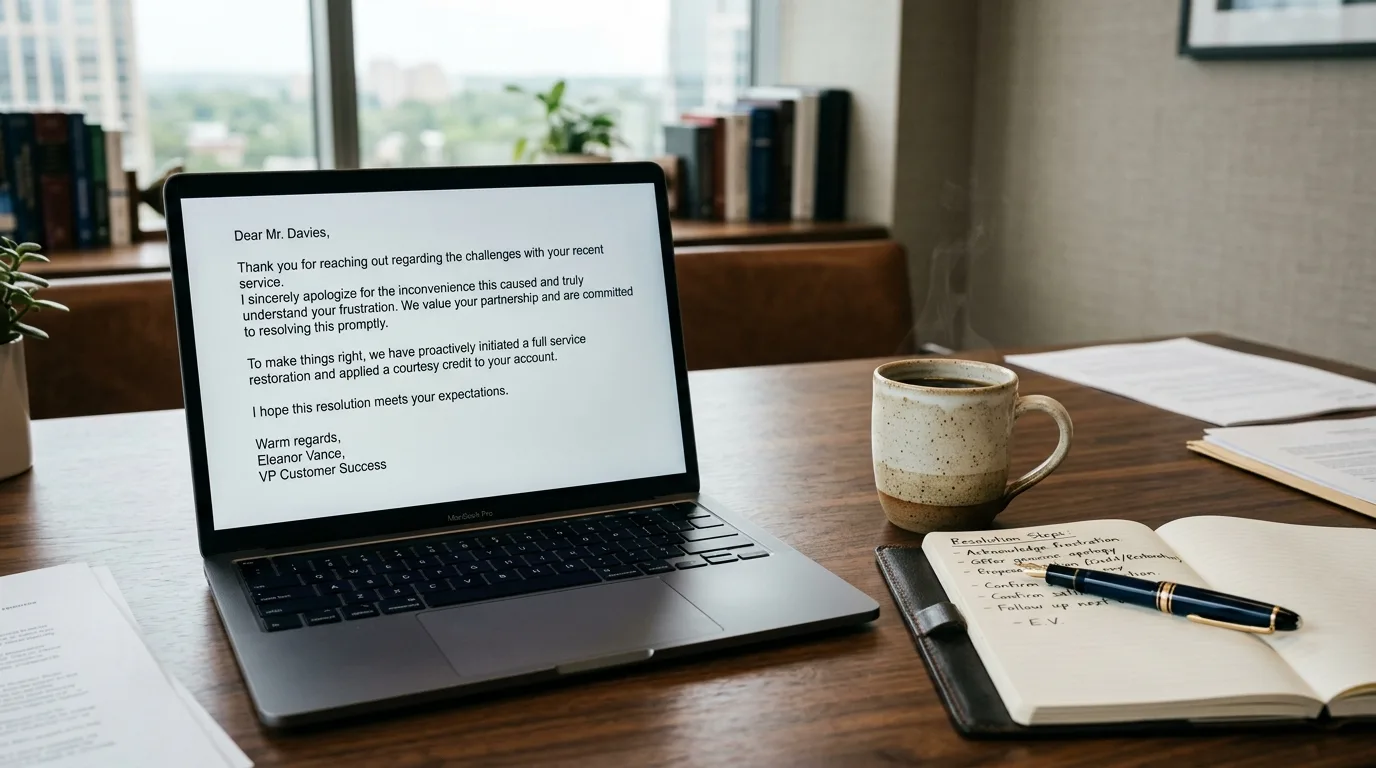
- Thank them for writing. Start with acceptance, not defence.
- Acknowledge: restate what happened in your own words to show you understood.
- Apologise: if the fault is yours, apologise plainly. Conditional apologies make it worse.
- Explain: briefly and without excuses. Long technical explanations read as defensiveness.
- Remedy: offer a concrete step; "we will look into it" is vague.
- Move the channel: take the detail to a private message. Long debates should not continue in public.
Example: a justified complaint
"Thank you for your review. Your appointment running 40 minutes late was our scheduling error and we are sorry for it. The prior treatment overran and we should have informed you in time. We would like to host you again; message us privately when convenient and we will prioritise your booking."
This does four things: it accepts, avoids excuses, offers a concrete remedy and moves the conversation to private.
Example: unfair or a misunderstanding
"Thanks for the feedback. Our records show the order was delivered on the stated date, but we would like to understand your experience. Send us the order number privately and we will look into it together today."
Even when you consider a review unfair, the approach is the same: calm tone, evidence mentioned politely, conversation moved to private. Arguing under the review damages your reputation even when you are right.
How fast should you reply?
Within 24 hours is ideal. A late reply reads as indifference. The easiest way to speed up is to watch review notifications and keep skeleton replies for common complaint types. An AI assistant can draft; the decision to publish should stay with you.
What to avoid
| Do not | Why |
|---|---|
| Copy-paste the same reply | Everyone notices; it looks insincere |
| Call the customer a liar | It escalates and looks bad to third parties |
| Ignore the review | Silence reads as agreement |
| Post private details publicly | Creates a personal data breach risk |
| Demand the review be deleted | Rarely works and erodes trust |
The real work starts after the reply
The reply is half the job. The other half is preventing the same complaint. Review negative feedback monthly and sort it into themes: delays, communication, product quality, price expectation. If a theme repeats, the problem is the process, not a person.
A well-handled complaint can be a stronger reference than having no complaints at all, because it shows visitors what you do when things go wrong.
Frequently Asked Questions
Related Articles
8 min read
BozLat AI: Autonomous AI Customer Communication & Sales Platform for Businesses
Delegate customer inquiries on WhatsApp, Instagram, and web chat to 24/7 autonomous AI agents with BozLat AI to boost sales conversions.
6 min read
The WhatsApp 24-Hour Customer Service Window
How does the 24-hour rule work on the WhatsApp Business API? When the window opens, what to do once it closes, and how to design operations around it.
6 min read
Boosting Customer Retention with AI Chatbots
Strategies for increasing customer lifetime value, re-engaging past buyers, and driving repeat sales using automated AI messaging.
Ready to set up an AI assistant for your business?
View Pricing