August 8, 2026 · 6 min read
The WhatsApp 24-Hour Customer Service Window
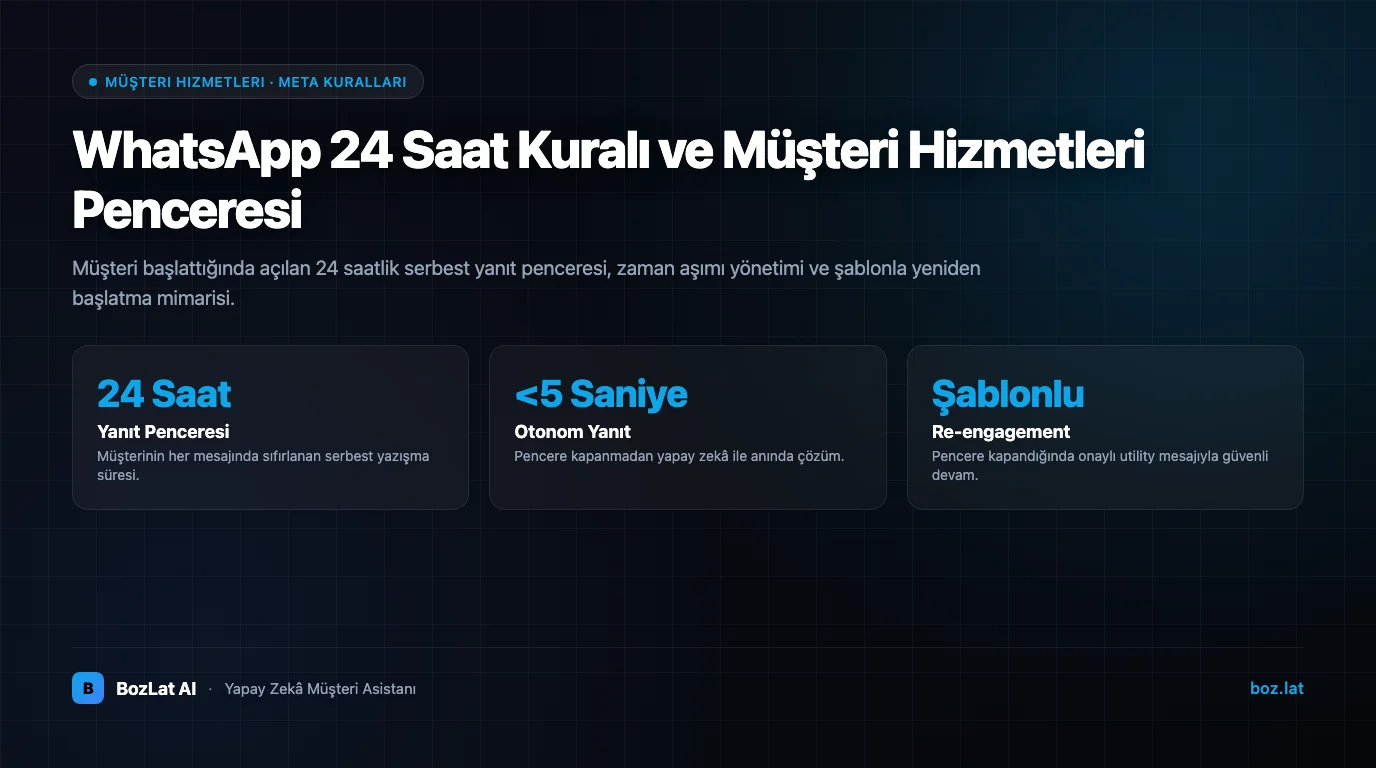
On the WhatsApp Business API, the moment a customer sends you a message a 24-hour “customer service window” opens. While it is open the business can reply with free-form text in any format. Once it closes, you can only restart the conversation with a pre-approved template. The rule exists to protect users from unwanted messages and applies to every account.
When the Window Opens and Closes
- Opens: when the customer sends you any message, text, image, voice note, location, even a single emoji.
- Renews: every new customer message restarts the clock.
- Closes: 24 hours after the last customer message. Messages sent by the business do not extend it.
- Once closed: no free-form text; only approved templates can be sent.
A frequent mistake is assuming your own reply renews the clock. Only the customer's message does, which is why a reminder sent in hour 23 does not save the window.

Operational Impact: Concrete Scenarios
| Scenario | Window state | Right approach |
|---|---|---|
| Customer asked for a price this morning, you answer in the afternoon | Open | Free-form text; no extra fee, quotes and images can be sent |
| Customer wrote last night, you reply at noon today | Closed | Restart with an approved Utility template |
| Appointment is tomorrow, you want to remind today | Usually closed | Appointment reminder template; if they reply, the window opens |
| You want to announce a campaign | Irrelevant | Marketing template and explicit opt-in are required |
| Customer replied “thanks” | Reopened | You have another 24 hours of free-form messaging |
Using the Window Efficiently
- Do not delay the first reply: closing the topic before the window expires lowers cost and lifts conversion.
- Finish in one session: ask every question you need in the same exchange instead of leaving gaps for tomorrow.
- Flag conversations nearing expiry: a “window closing soon” signal in the panel sets agent priority.
- Plan templates for unanswered threads: asking “can we help?” before it closes is cheaper than paying for a template afterwards.
- Position automation outside business hours: an assistant that answers a midnight message instantly preserves the productive hours of the window.
What to Do When the Window Closes
With a closed window the only path is an approved template, and category choice is critical. If you are informing about a transaction the customer started, it is Utility; if you are inviting a new action, it is Marketing. We detailed category boundaries and rejection reasons in the template approval guide, and the cost impact in WhatsApp API pricing.
If the customer replies to your template, the window reopens and the exchange continues in free-form text. That is why a good template contains a clear question or button that makes replying easy.
Common Misconceptions
- “The 24-hour rule only covers marketing”, no, all free-form text is blocked when the window is closed.
- “The rule does not apply if the customer saved my number”, being in someone's contacts does not open the window.
- “Sending a template opens the window”, only the customer's reply does.
- “The same rule exists in the WhatsApp Business app”, the limit lives on the API side; the app version has different constraints.
For the official definition and current details, consult the WhatsApp Business Platform documentation.
Managing the Window Automatically
Remembering how many hours are left should not be a human job. BozLat AI tracks the window state of every conversation: while it is open the AI assistant replies in free-form text, and when it is closed it proposes a template in the right category. Customers do not go unanswered, and no template fee is spent unnecessarily. See the pricing page for scope, and how an AI chatbot is set up for the deployment flow.
Frequently Asked Questions
Related Articles
8 min read
BozLat AI: Autonomous AI Customer Communication & Sales Platform for Businesses
Delegate customer inquiries on WhatsApp, Instagram, and web chat to 24/7 autonomous AI agents with BozLat AI to boost sales conversions.
8 min read
Message Traffic Management: After-Hours, Peak Days and Negative Reviews
How do you handle after-hours messages, campaign-day surges and negative reviews? A guide including how to feed your knowledge base from customer messages.
6 min read
Boosting Customer Retention with AI Chatbots
Strategies for increasing customer lifetime value, re-engaging past buyers, and driving repeat sales using automated AI messaging.
Ready to set up an AI assistant for your business?
View Pricing