August 6, 2026 · 7 min read
How WhatsApp Business API Pricing Actually Works
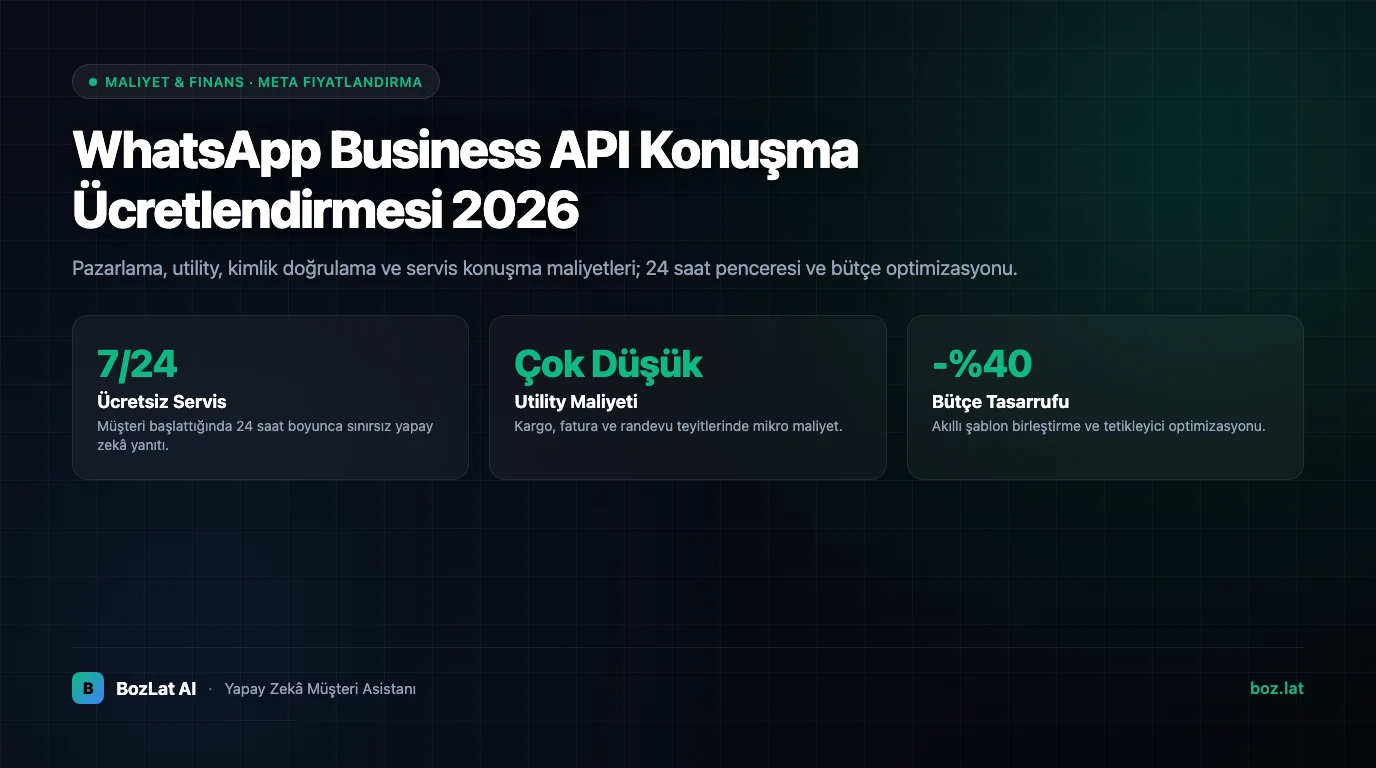
On the WhatsApp Business API your bill is not driven by how many messages you send, but by the category of the messaging you start or receive. Meta prices under Marketing, Utility, Authentication and Service headings, with rates that vary by country. Your total cost then splits in two: the message fee paid to Meta, and the software/service fee that makes the platform usable.
The Two Separate Line Items
- Meta side: the platform fee per message or conversation. It varies by country and category, is published in Meta's official price list, and changes over time.
- Service side: the provider's monthly plan or usage fee, panel, automation, AI answers, integrations and support live here.
Businesses that miss this split end up either believing “messages were supposed to be free” or paying for the same panel twice. A healthy budget starts by modelling the two items separately.

Categories and What They Mean
| Category | Who starts it | Example | Role in the budget |
|---|---|---|---|
| Marketing | Business | Campaign announcement, re-engagement message | Usually the most expensive item; grows directly with volume |
| Utility | Business | Order, appointment, payment notification | Mid-range; tied to transaction volume and predictable |
| Authentication | Business | One-time login code | Tied to user count; small but continuous |
| Service | Customer | Customer questions and support replies | Triggered by demand; an operations item, not a campaign one |
The critical point: you choose the category, but Meta has the final say. A single promotional sentence inside a Utility template can get the message re-categorized as Marketing and raise the cost. We covered category boundaries and rejection reasons in WhatsApp message template approval.
Cases That Stay Free
Not every message is billed. The main exclusions are:
- Free entry points: conversations started from a Click to WhatsApp ad or a Facebook page button are treated as free for a defined period.
- Customer service window: exchanges within the 24-hour window opened by the customer's message may not be separately charged under Meta's current model.
- Monthly free conversation allowance: Meta has offered a number of free service conversations, and the scope of this allowance has changed over time.
Verify the current form of these items from Meta's official pricing documentation rather than assumption. The model has changed more than once in recent years, and older blog content still describes rules that no longer apply.
Cost Items People Overlook
- Duplicate notifications: sending the same information in three messages costs three times sending it once.
- Bad timing: an update sent right after the customer window closes becomes a paid template, when it could have been free inside the window.
- Unsegmented campaigns: blasting the entire list generates fees for recipients who will never convert, and lowers your quality rating.
- Test traffic: development tests to real numbers are billed too; use a dedicated number and a restricted list.
- Multiple numbers: each extra phone number is a separate configuration and, with most providers, an extra service fee.
Practical Decisions That Lower Cost
- Merge notifications: one status message with a tracking link instead of “Your order is being prepared” plus “Your order has shipped”.
- Catch the customer inside the window: close the topic in the same session instead of returning the next day with a template.
- Segment marketing sends: an audience that engaged in the last 90 days is cheaper and converts better than the full list.
- Delegate FAQs to automation: spending agent time on a question with a ready answer costs far more than the message fee.
- Use free entry points: a “message us on WhatsApp” button on the site and ad click-throughs let the customer start the conversation.
Framing Total Cost of Ownership Correctly
Looking at the per-message unit price alone is misleading. The right question is: how many hours of human work does this channel give back per month, and how many missed requests does it rescue? We calculated the real cost of unanswered demand in the cost of missed customers, and compared channel options in automated response systems compared.
On the BozLat AI side, message fees and service fees are shown separately; you can watch which category drives your spend from the panel and compare plans on the pricing page.
Frequently Asked Questions
Related Articles
8 min read
Cost of Missed Customer Inquiries: Revenue Loss Formula
Calculate the hidden monthly revenue loss from unanswered WhatsApp messages, missed phone calls, and slow social DMs, and plug the pipeline leak.
6 min read
AI Sales Conversations: Pricing Questions and Lead Qualification
How should a bot answer pricing questions, qualify leads and handle buying questions? An end-to-end guide to the full automated sales conversation.
7 min read
Call Center vs WhatsApp Automation: Cost Comparison
Comparing traditional phone call centers vs WhatsApp AI messaging automation in terms of cost, speed, and efficiency.
Ready to set up an AI assistant for your business?
View Pricing