July 15, 2026 · 8 min read
How to Set Up an AI Chatbot? Step-by-Step Enterprise Guide
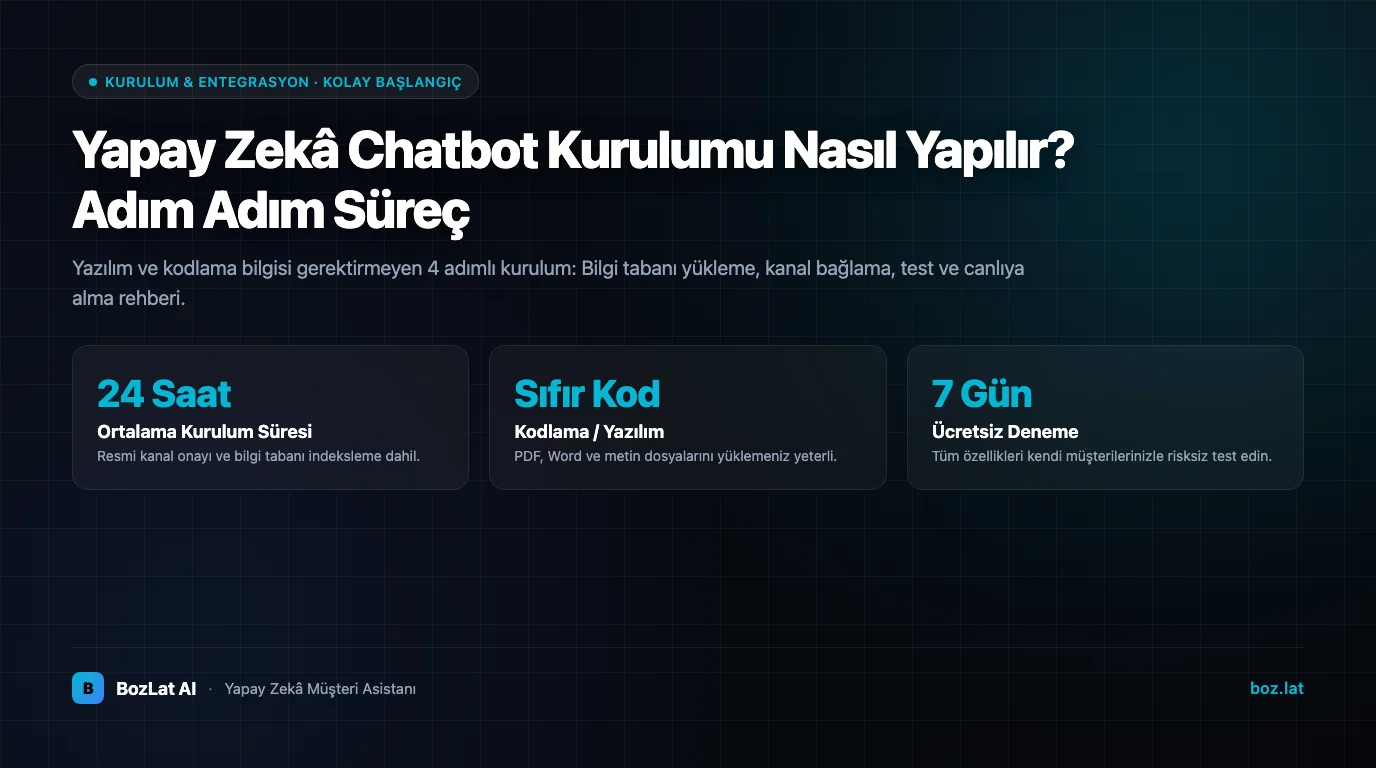
“We want to deploy an AI customer assistant, but we lack developers and dedicated technical staff” is the most frequent hesitation among business managers. 2026 brought a clear shift: Deploying an enterprise-grade AI assistant no longer requires lengthy software development; it is as simple as uploading a few PDF documents and connecting your channels via an intuitive dashboard. Here is how BozLat AI brings your business live in 4 structured steps.
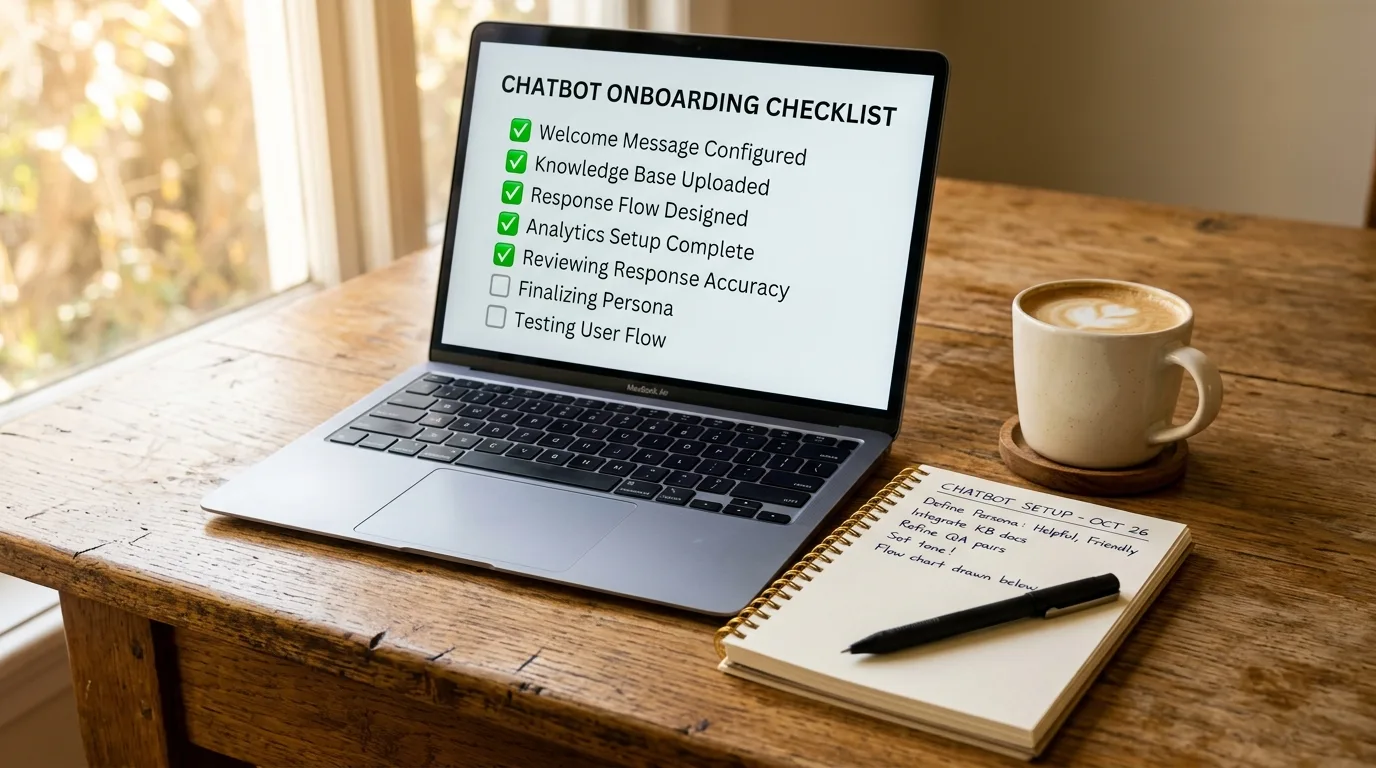
Step 1, Ingesting and Structuring Your Knowledge Base
An AI assistant's accuracy directly reflects the quality of its underlying knowledge base. The BozLat AI dashboard eliminates file format friction: PDF brochures, Word price sheets, website URLs, and raw text FAQs are ingested in seconds. Vector embeddings index your data, locking the AI strictly to your verified company facts and eliminating hallucination risks.
Step 2, Sandbox Simulation & Safety Testing
Before exposing your assistant to real customers, you test it inside the interactive sandbox simulator: Challenge it with tricky pricing inquiries, operating hours, delivery timelines, and edge cases to verify tone of voice and factual accuracy.
Step 3, Connecting Official Enterprise Communication Channels
- WhatsApp Business API: Your business phone line connects to Meta's official cloud platform, typically verified and approved within hours.
- Instagram DM Integration: Your brand profile and Facebook page are securely paired via Meta Graph APIs.
- Website Live Chat Widget: Embeds onto your website with a single snippet of modern JavaScript.
- Voice AI Phone Assistant: Routes landline or GSM calls through an intelligent conversational voice engine.
Step 4, Going Live and Continuous Improvement Loop
Once activated, monitor live customer dialogues, booking records, and qualified sales leads directly from your analytics portal. Inquiries escalated to human staff trigger instant notifications, providing actionable insights to continually refine your knowledge base.
Assess uncaptured customer revenue with our revenue loss model, and review 7-day trial terms on our pricing page.
Team adoption matters as much as the technical setup; we covered how to manage that transition in our team adoption and change management article.
Frequently Asked Questions
Related Articles
11 min read
Meta Business Verification for WhatsApp API: Step by Step
What is Meta business verification, which documents are required and how long does it take? Domain verification methods, rejection reasons and how it differs from the green badge.
10 min read
WhatsApp Cloud API vs On-Premises: Full Comparison
What is the difference between WhatsApp Cloud API and On-Premises API? A decision guide covering cost, maintenance, data residency, new features and migration steps.
5 min read
AI Chatbot CRM Integration Guide
Learn how to integrate WhatsApp and AI chatbots with CRM systems, data privacy rules, and customer management benefits in our comprehensive guide.
Ready to set up an AI assistant for your business?
View Pricing