August 11, 2026 · 10 min read
WhatsApp Cloud API vs On-Premises: Full Comparison
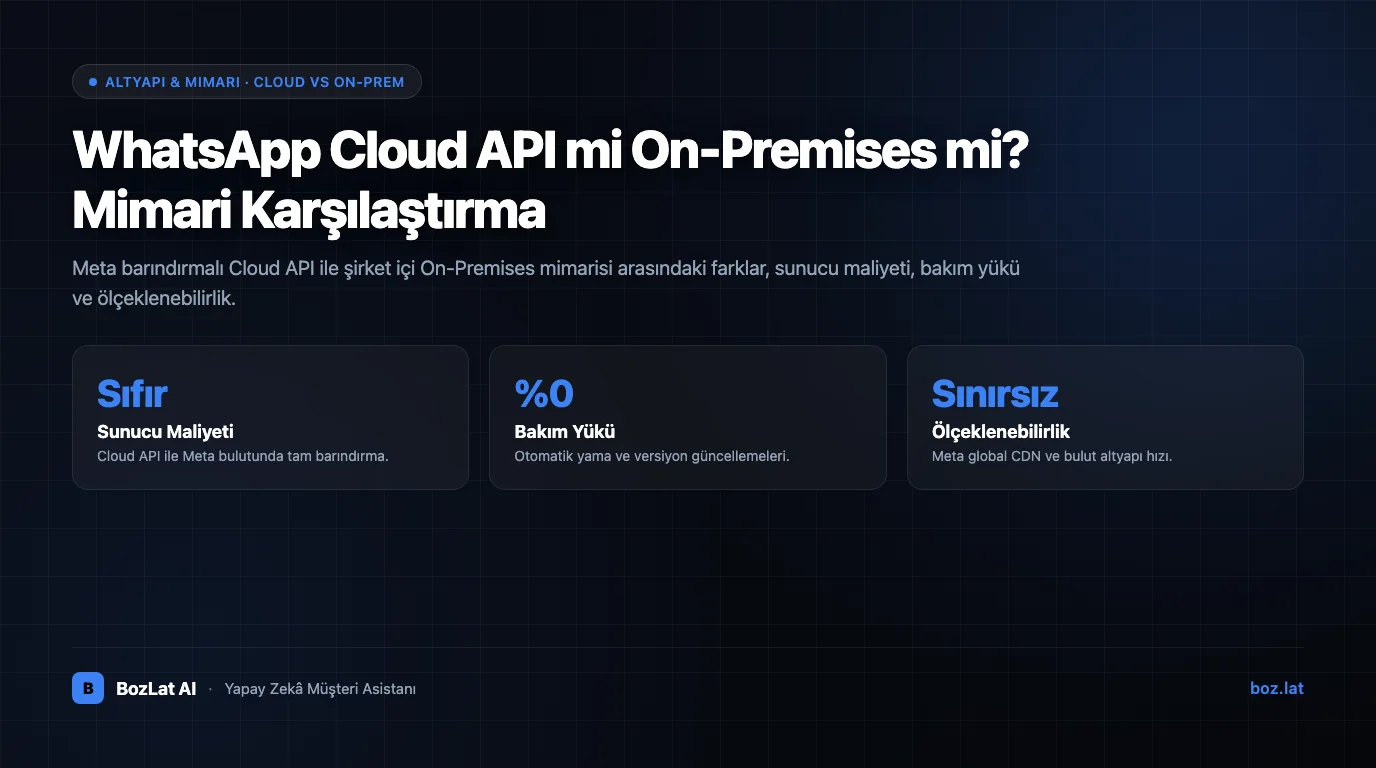
The first architectural decision in a WhatsApp Business API deployment is where the number will be hosted: on Meta's own cloud, or on a server belonging to you or your solution provider?
It looks like a software preference, but it actually determines who carries which maintenance burden, how the cost is structured, and who is responsible for version upgrades. This guide compares both models and explains which is right in which situation.
What are the Cloud API and the On-Premises API?
Cloud API is infrastructure operated and hosted directly by Meta. The business installs no servers; the number is registered into Meta's cloud and integration runs straight against Meta endpoints. Version upgrades and scaling sit with Meta.
On-Premises API means the business or its provider runs a container on its own server, either in its own data centre or at a cloud provider. Infrastructure, backup, version upgrades and uptime are the business's responsibility.
One important note: Meta is progressively retiring the On-Premises model. That makes the Cloud API the de facto default for new deployments, and choosing On-Premises now needs a very specific justification. Because the timeline is occasionally revised, confirm Meta's current announcements before deciding.

Detailed comparison
| Criterion | Cloud API | On-Premises API |
|---|---|---|
| Server cost | None, hosting sits with Meta | Server, backup and monitoring cost sit with the business |
| Setup time | Hours | Days, infrastructure preparation required |
| Version upgrades | Applied automatically by Meta | Upgraded manually; skipping one risks an outage |
| Scaling | Automatic | Capacity planning sits with the business |
| Access to new features | Released here first | Delayed, or never arrives |
| Data residency control | Limited to Meta's available regions | The business chooses the server location |
| Technical staffing | Low | Systems administration knowledge required |
| Long-term status | Supported and actively developed | Being progressively retired |
What does the architectural difference change in practice?
- Who owns an outage: on the Cloud API an infrastructure outage is Meta's problem; On-Premises, the person called at midnight is on your own team.
- Upgrade risk: On-Premises version upgrades are mandatory, and a skipped upgrade can stop the number working.
- New features: capabilities such as Flows, new message types and reporting reach the Cloud API first.
- Volume spikes: the Cloud API absorbs campaign-day surges on its own, while On-Premises requires capacity to be planned in advance.
- Portability: when changing providers, transferring the number involves fewer technical steps on a Cloud API deployment.
Where does the cost difference come from?
Meta's conversation fees are identical in both models; the difference arises on the infrastructure side. On-Premises adds server rental, backup, monitoring and the cost of the technical time to run it. The Cloud API carries none of these, so total cost of ownership is noticeably lower for most SMEs. For how conversation fees are calculated see WhatsApp API conversation pricing.
Which should you choose, and when?
- SMEs and growing businesses: the Cloud API. You go live quickly without dealing with server maintenance, version upgrades or capacity planning.
- Enterprises with specific data residency obligations: if a regulatory requirement forces data to stay in a particular country, On-Premises can be considered, though the model being retired makes that choice risky.
- Businesses already on On-Premises: this is the group that needs a migration plan. Waiting for a forced migration always costs more than a planned one.
Data residency, security and compliance
WhatsApp messages are end-to-end encrypted in both architectures; the encryption model does not change with your choice. The difference is who determines the physical location of the server processing the message. On the Cloud API that is limited to the regions Meta offers; On-Premises you position the server yourself.
From a data protection standpoint, what matters is not only server location but the legal basis for any cross-border transfer, the privacy notice and the retention period. When those three are set up correctly, using the Cloud API does not amount to non-compliance. For the wider framework see chatbot data protection compliance and consent collection; if you carry a specific corporate obligation, make the decision together with your legal counsel.
Migrating from On-Premises to the Cloud API
Migration is not a matter of deleting the number and starting over; it runs as a number transfer, and done in the right order it causes no message loss:
- Confirm that business verification is current.
- Export existing templates and the knowledge base.
- Schedule the migration window for a low-traffic period.
- Register the number on the Cloud API and complete the verification code.
- Repoint webhook endpoints to the new address and confirm with a test message.
- Shut down the old container only after the new setup is verified.
For the detail of number transfer see migrating a number to the API, and for the verification side see Meta business verification. For how the API works overall, see what is WhatsApp Business API.
Cloud infrastructure with BozLat AI
BozLat AI deployments run on the Cloud API, so no server maintenance, version upgrade or scaling burden falls on the business. See our BozLat AI pricing page for scope and packages.
Frequently Asked Questions
Related Articles
11 min read
Meta Business Verification for WhatsApp API: Step by Step
What is Meta business verification, which documents are required and how long does it take? Domain verification methods, rejection reasons and how it differs from the green badge.
8 min read
How to Set Up an AI Chatbot? Step-by-Step Enterprise Guide
Enterprise AI assistant setup guide: Knowledge base ingestion, official Meta channel integrations, sandbox testing, and a smooth rollout.
11 min read
What is WhatsApp Business API? Comprehensive SME Guide
What is the WhatsApp Business API and how does it work? The three WhatsApp products compared, Cloud API architecture, pricing model, template approval and setup steps.
Ready to set up an AI assistant for your business?
View Pricing