August 13, 2026 · 10 min read
WhatsApp Opt-in: Compliant Consent Collection Guide
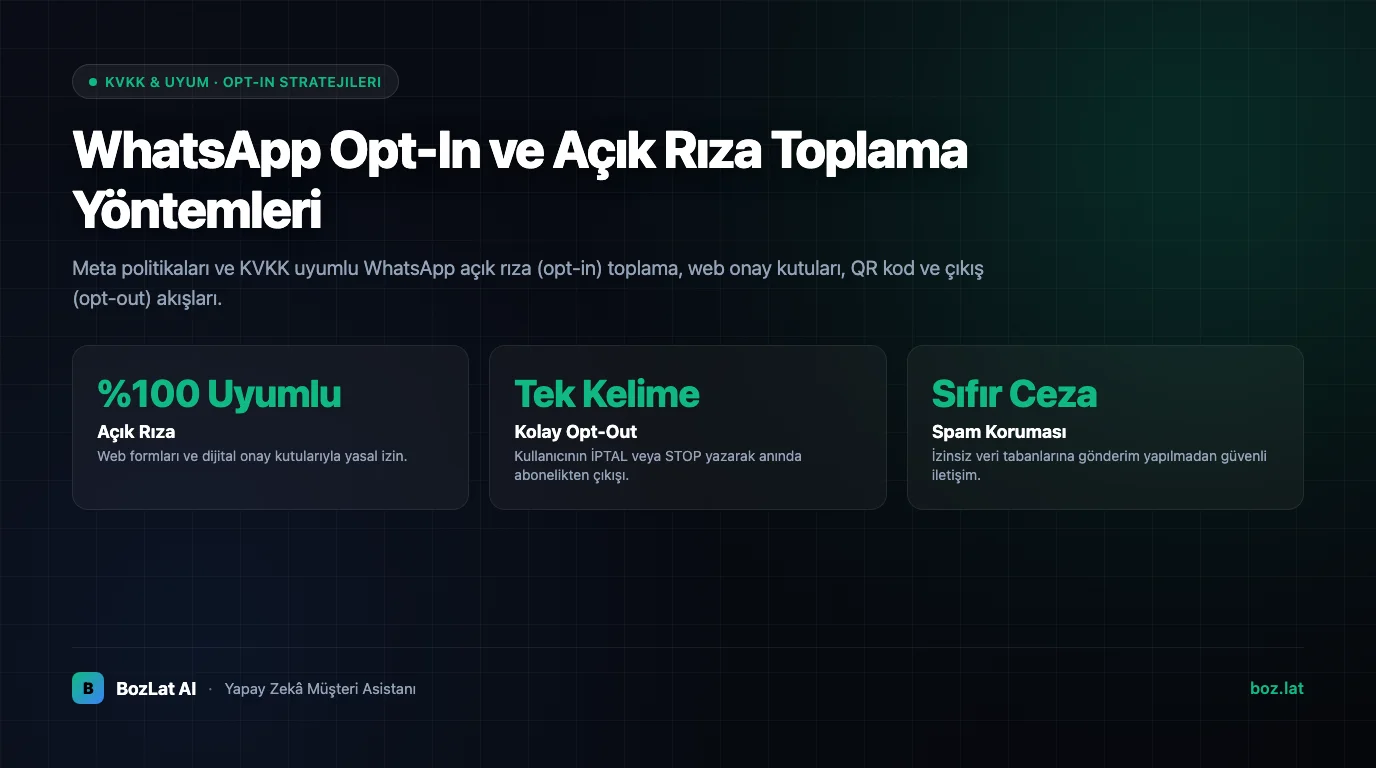
Sending a promotional WhatsApp message to a customer requires two separate sets of rules to be satisfied at once: data protection law and Meta's own platform policy. They ask for the same thing for different reasons, clear and provable consent.
This guide explains when consent counts as valid, which methods can be used to collect it, what its text must say, and most importantly how you will prove it later.
What is opt-in (explicit consent)?
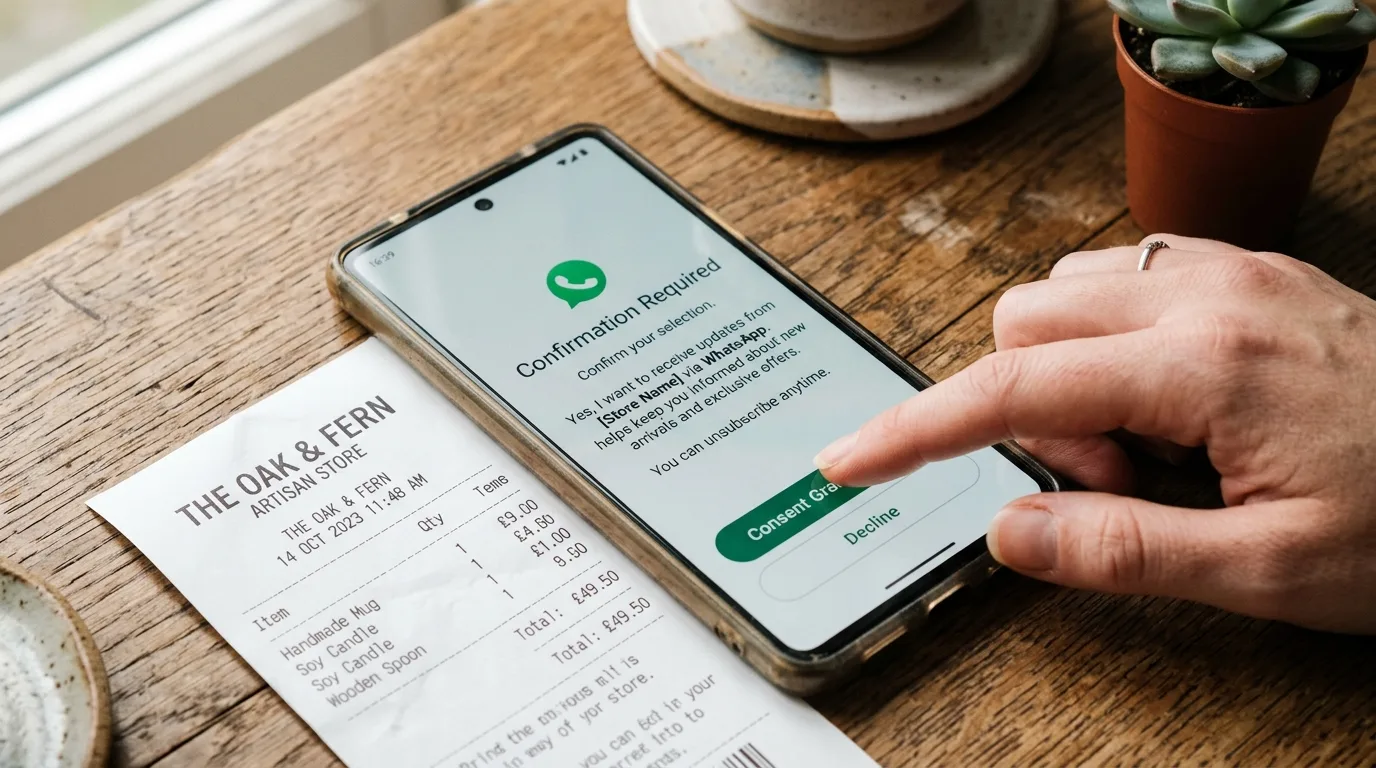
Opt-in is the customer declaring, of their own free will, that they accept receiving messages from your business. Staying silent, continuing to use a service, or a pre-ticked box do not count as consent.
To be valid, consent is expected to carry four qualities:
- Specific: it must state clearly what the messages will be about, for example promotional announcements.
- Informed: who will send messages, for what purpose and through which channel must be understandable.
- Freely given: it must not be made a precondition of the service.
- Withdrawable: the user must be able to opt out at any time and easily.
Why does Meta require consent separately?
Independently of the law, Meta also penalises unsolicited sending, because user complaints and blocks lower your number's quality rating. When the rating drops, messaging limits tighten and in the worst case the number is suspended. So consent is not only a legal requirement, it is what keeps the channel usable. For the mechanics see quality rating and messaging limits.
Valid opt-in collection methods
| Method | How it works | What to watch |
|---|---|---|
| Web form checkbox | An unticked consent box on a signup or checkout form | The box must never arrive pre-ticked |
| QR code or link | The customer starts the chat themselves and confirms | Starting a chat alone is not marketing consent |
| Physical form | Signed consent on a printed in-store form | The text must be scanned and tied to a digital record |
| In-chat confirmation | The bot asks explicitly and the user confirms | Question and answer must be stored with a timestamp |
| Call centre | Verbal consent taken over the phone | Must be supported by a recording or call transcript |
What should the opt-in text say?
A single short sentence is usually not enough. The consent text is expected to include:
- The registered business name: the customer should know who they are consenting to.
- The subject of the messages: categories such as promotions, notifications and reminders should be listed separately.
- The channel: WhatsApp must be named explicitly; consent taken for SMS does not cover WhatsApp.
- Expected frequency: state roughly how often messages will arrive where possible.
- How to withdraw: the same text should explain how to opt out.
- A link to the privacy notice: how the data is processed belongs in a separate document.
Being able to prove it: record keeping
In an audit or a complaint the question is not "did you take consent?" but "can you prove it?". That makes the record as important as the consent itself. What to store:
| Record field | Why it matters |
|---|---|
| Timestamp | Shows when consent was taken |
| Source | Identifies the form, page or channel it came from |
| Version of the text shown | Proves which wording was accepted on that date |
| User identifier | Links it to the phone number or customer record |
| Withdrawal record | Shows when an opt-out request was processed |
Storing the version of the text is the most commonly skipped item: once you change the wording, that version record is the only evidence of what earlier users actually agreed to.
Commercial messaging regulation
Many jurisdictions regulate commercial electronic messages under a separate regime from general data protection law, sometimes including a central consent registry. Whether messages sent over WhatsApp fall inside that regime is assessed according to the nature of the sending, and practice changes over time.
For that reason, clarify with your legal counsel whether your own sending scenario falls within scope before starting marketing campaigns. This article is informational and does not substitute for legal advice.
Opt-out: the right to withdraw
A customer who has given consent must be able to withdraw it at any time, free of charge and easily. In practice the cleanest way is to include a clear exit instruction in the message and process the incoming withdrawal automatically.
Two things are needed technically: a rule that recognises withdrawal intent, which should not depend on a single keyword, and a flow that updates the record immediately. Sending the next campaign to someone who has opted out costs far more than a single complaint.
Five common mistakes
- Pre-ticked boxes: not valid consent, and the fastest failure to spot in an audit.
- Mixing channels: using consent taken for SMS or email to send WhatsApp marketing.
- Treating an inbound message as consent: a customer starting a chat opens a support conversation, not marketing permission.
- Making consent a condition of service: a "you cannot register unless you accept" setup removes free will.
- Not keeping records: if consent cannot be proven, it counts as not taken.
For the wider compliance framework see chatbot data protection compliance, for disclosing automation see bot transparency, and for template rules see template approval and rejection reasons.
Consent management with BozLat AI
BozLat AI manages consent and withdrawal status inside the customer record flow; a user who opts out is removed from subsequent sending lists automatically. See our BozLat AI pricing page for scope and packages.
Frequently Asked Questions
Related Articles
7 min read
Chatbot Security: Prompt Injection and Data Leakage
How to protect AI chatbots against Prompt Injection and malicious manipulation? Enterprise data protection and security guide.
8 min read
WhatsApp Chatbots and KVKK Compliance: Business Guide
Ensure total KVKK and data privacy compliance for WhatsApp chatbots: disclosure notices, data minimization, encryption, and isolated enterprise AI safety.
6 min read
Why Does Your Bot Sound Like a Robot? 9 Fixes for a Natural Tone
Customers remember how an AI assistant said something more than what it said. Here are the patterns that make replies feel cold and mechanical, and nine concrete fixes.
Ready to set up an AI assistant for your business?
View Pricing