August 12, 2026 · 6 min read
WhatsApp Quality Rating, Messaging Limits and Bulk Sending
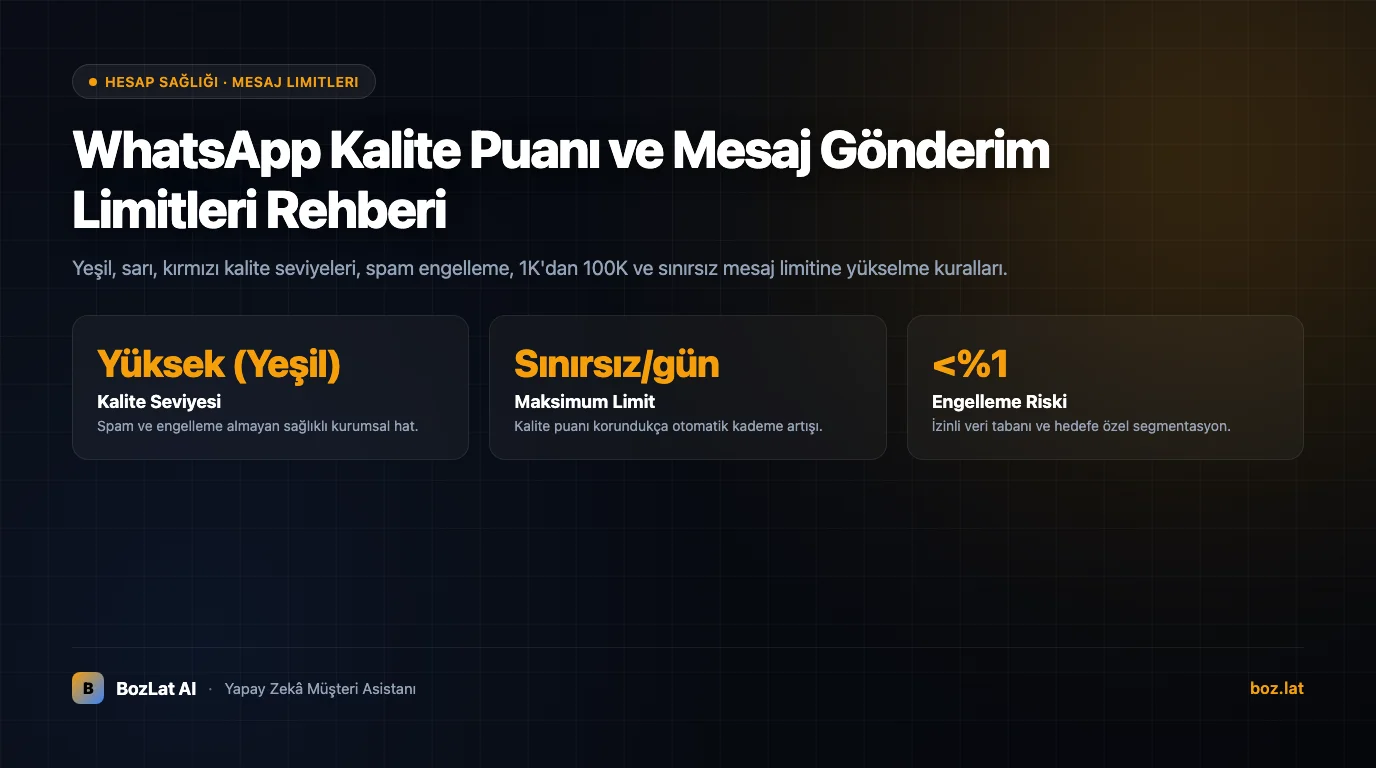
The number of unique daily customers a business can message on the WhatsApp Business API is governed by Meta's Messaging Limit Tiers. Scaling these limits depends directly on maintaining a healthy Quality Rating.
What is WhatsApp Quality Rating?
Quality Rating reflects customer feedback on messages sent over the past 7 days across three tiers:
- Green (High Quality): Customers engage positively without blocking or reporting spam.
- Yellow (Medium Quality): Warning stage indicating slight increases in block or report rates.
- Red (Low Quality): Critical stage triggered by high opt-outs, blocks, or spam flags.

Messaging Limit Tiers
Daily unique user messaging thresholds increase progressively across structured tiers:
| Tier Level | Daily Unique User Limit | Upgrade Condition |
|---|---|---|
| Tier 1 | 1,000 unique users / 24 hours | Standard starting tier for verified business accounts |
| Tier 2 | 10,000 unique users / 24 hours | Utilize 50% of Tier 1 limit within 7 days with high quality |
| Tier 3 | 100,000 unique users / 24 hours | Utilize 50% of Tier 2 limit within 7 days with high quality |
| Tier 4 (Unlimited) | Unlimited unique users / 24 hours | Consistent high-volume broadcasts maintaining high quality rating |
Common Causes of Quality Rating Drops
- Broadcasting Without Opt-in: Sending campaigns to unconsented contacts triggers immediate spam reports.
- Unsegmented Blasts: Mass messaging irrelevant audiences causes high block rates.
- Deceptive Template Copy: Misleading content. See our WhatsApp template approval guide.
- Excessive Message Frequency: Overwhelming contacts with repetitive marketing outreach.
Strategies to Maintain High Quality Ratings
Implementing transparent opt-in flows is essential for preserving account health. Review our GDPR & KVKK compliant opt-in guide and automated response systems comparison for best practices.
For official guidelines, consult Meta's Business Messaging Policy.
Maintain High Quality Ratings with BozLat AI
BozLat AI validates contact permissions before broadcast, protecting your quality rating. Explore plans on our BozLat AI pricing page.
Compliant Bulk Messaging via Official WhatsApp Business API
Sending broadcast announcements, promotional offers, and operational updates via the official WhatsApp Business API protects your brand reputation and completely eliminates phone number ban risks. Messages sent to opted-in audiences achieve open rates exceeding 90 percent, outperforming conventional email and SMS channels.
How Official WhatsApp Bulk Messaging Works
Unlike personal WhatsApp accounts or unauthorized QR-scraping tools, the official API operates through Meta-approved message templates (HSMs). Broadcast copy is submitted to Meta, classified under marketing or utility categories, and delivered securely via cloud REST endpoints to consented customer phone numbers.
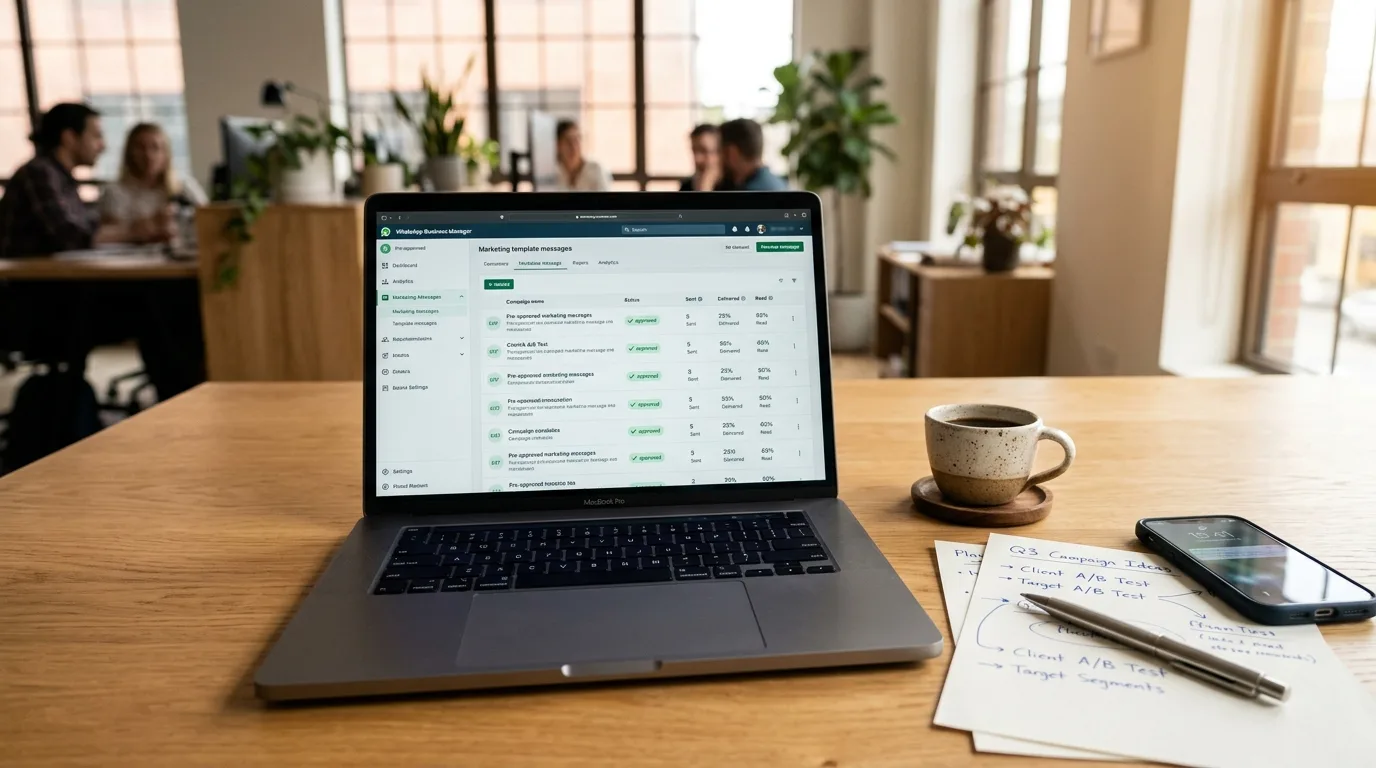
Every delivered template can include dynamic variables such as recipient name, order reference, or custom discount voucher. When a customer replies, the AI assistant immediately takes over to guide the conversation toward checkout or booking.
Unofficial QR Tools vs Official WhatsApp API
| Feature | Unauthorized QR Tools | Official WhatsApp Business API |
|---|---|---|
| Number Security | High risk of permanent ban on spam reports | Official Meta backing with zero ban risk |
| Daily Sending Capacity | Throttled at 50 to 100 messages per day | Scales from 1,000 to 100,000+ unique recipients |
| Data Privacy (GDPR / KVKK) | Routes data through unknown servers | End-to-end encrypted with verifiable consent logs |
| Customer Perception | Looks like an unknown personal number | Displays verified business profile with optional green tick |
For architectural fundamentals, review our WhatsApp Business API guide and WhatsApp conversation pricing.
Compliance Rules: Consent and Messaging Quality
- Mandatory Opt-in: Broadcast messages must only be sent to users who explicitly gave consent through checkout forms or digital agreements.
- Simple Opt-out Mechanism: Every campaign should provide an effortless way for recipients to unsubscribe with a single keyword (such as STOP).
- Phone Number Quality Rating: Meta monitors block and report rates in real time. Low-quality templates with elevated spam flags are paused automatically.
- Sensible Scheduling: Maintain a cadence of 2 to 4 high-value messages per month to prevent audience fatigue.
4-Step Launch Checklist
- Meta Business Verification: Verify company registration papers inside Meta Business Manager.
- Template Submission: Draft personalized templates and submit them for automated Meta approval.
- Audience Segmentation: Upload consented contact lists filtered by purchase behavior or interest tags.
- Broadcast & AI Auto-Reply: Trigger message dispatch and let BozLat AI autonomously handle incoming questions.
Intelligent Broadcast Campaigns with BozLat AI
Frequently Asked Questions
Related Articles
6 min read
WhatsApp Green Tick: Official Business Account Guide
How to get the WhatsApp green tick: official business account criteria, preparation before applying, rejection reasons, and building trust without the badge.
6 min read
A Reminder Rhythm That Reduces No-Shows: When, How Often, What to Write
A customer who does not show up means an empty chair. Practical timing, frequency and wording for appointment reminders, plus how to refill a slot that opens up.
6 min read
Multi-Branch Business WhatsApp Routing System
How to route WhatsApp messages based on location and district for multi-branch retail, clinic, or restaurant networks.
Ready to set up an AI assistant for your business?
View Pricing