August 9, 2026 · 6 min read
WhatsApp Green Tick: Official Business Account Guide
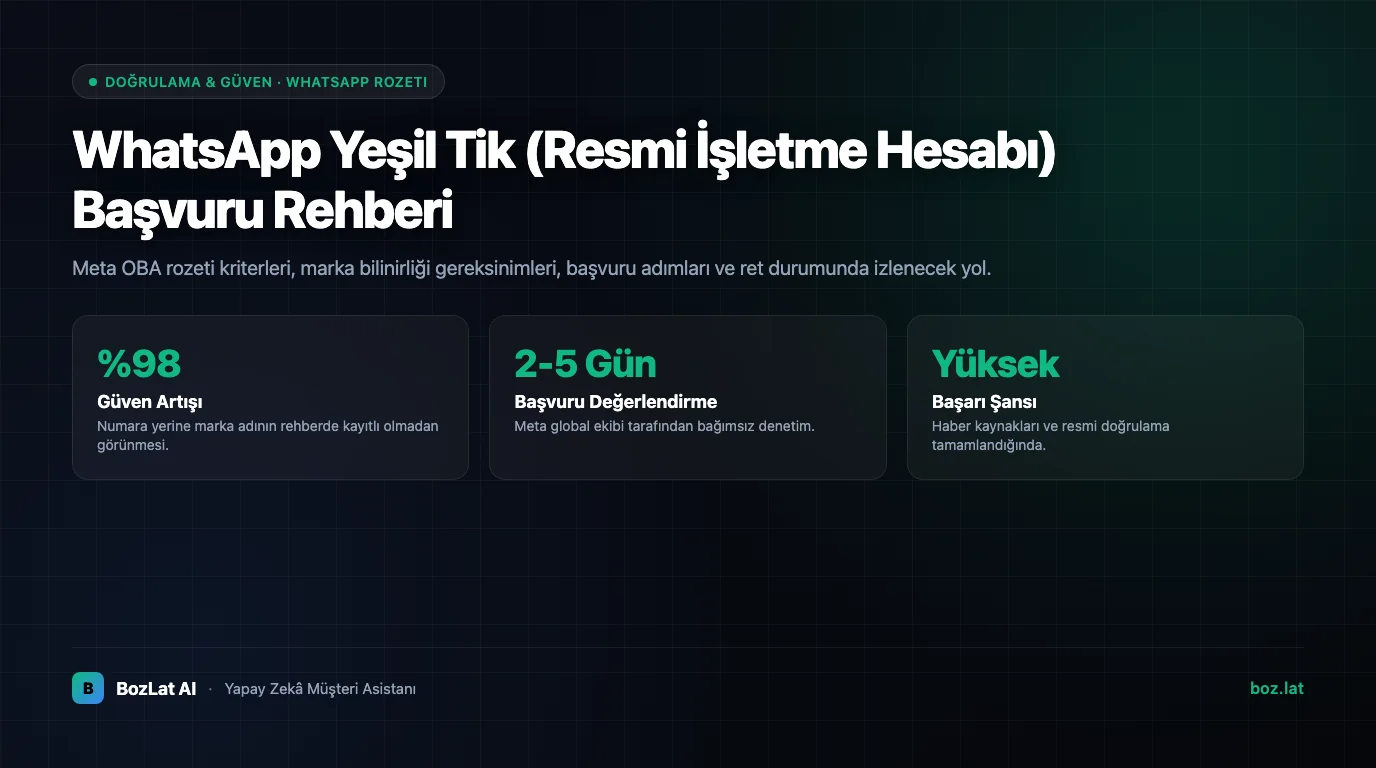
The green badge on WhatsApp shows that Meta recognizes the account as an Official Business Account. It cannot be purchased, is not guaranteed by applying, and is not granted in exchange for payment; Meta evaluates the business's notability against its own criteria. Completing business verification is a prerequisite, but not sufficient on its own.
What the Badge Does and Does Not Give You
| It gives | It does not give |
|---|---|
| The business name shown directly in the chat list and profile | Higher message sending limits |
| Brand name readable even when the number is not saved | Cheaper message rates |
| Distinction against impersonating accounts | Privileges in template approval |
| A trust lift on first contact | Immunity from policy violations |
So the badge is a trust marker, not a performance upgrade. An account without it still runs at full capacity.
Prerequisites Before Applying
- Meta business verification must be complete, we walked through it in the Meta business verification guide.
- The number must be connected to a WhatsApp Business Account and active.
- The business profile must be complete: display name, category, description, address, website and email.
- The display name must follow WhatsApp naming rules, a real brand name, not a generic word.
- The account should have no policy violation history and no low quality rating.
What Meta Looks At
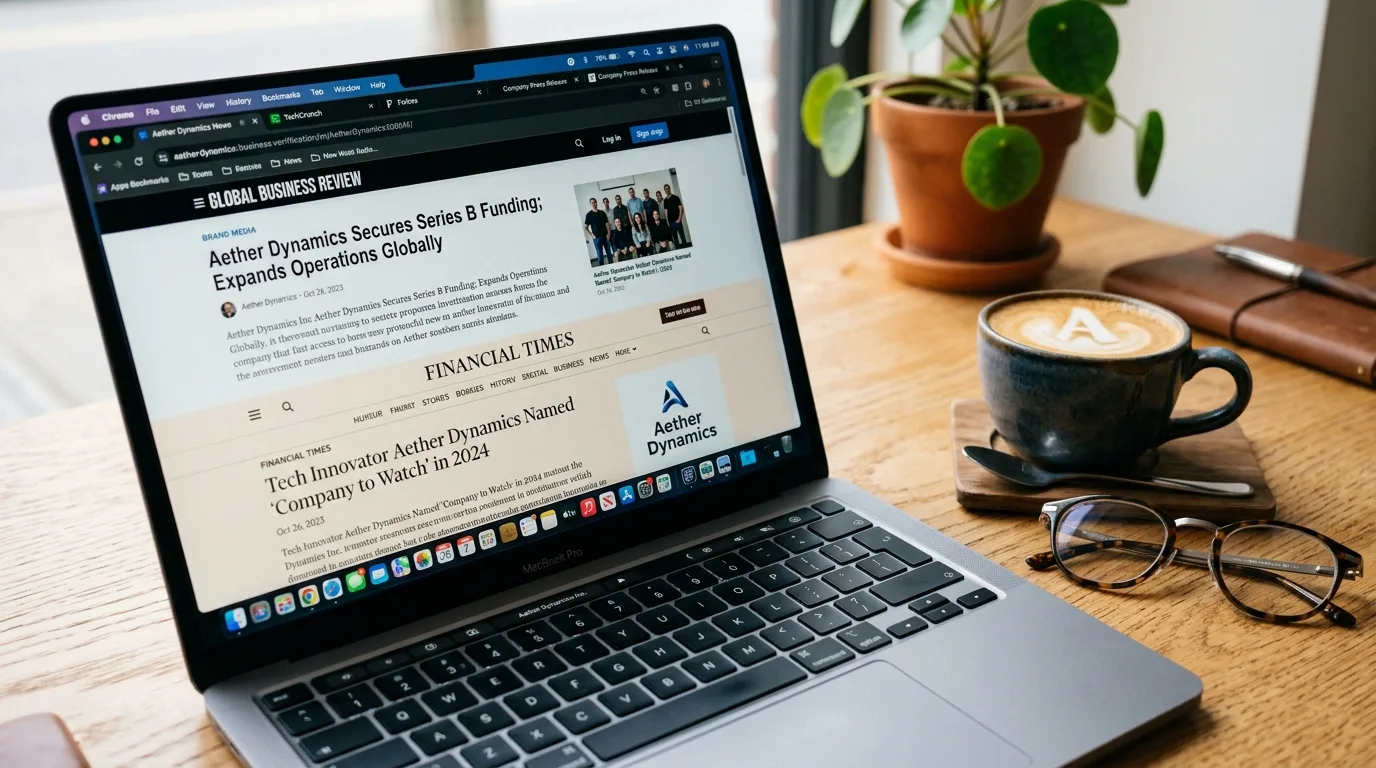
The decisive criterion is notability. Meta looks at how visible the brand is in independent sources outside the business itself: news coverage, industry publications, independent round-ups and reviews. Your own website, social accounts and ad spend do not count as independent sources.
That is why first applications from newly founded or purely local businesses usually come back negative. It is not a mistake; it is the natural consequence of the criterion.
The Most Common Rejection Reasons
- Not enough visibility for the brand in independent sources.
- Display name breaking the rules (generic words, all caps, promotional phrasing).
- Incomplete profile details, or details inconsistent with the website.
- Low account quality: high block rate, unanswered conversations, complaints.
- Repeated applications for the same brand from multiple numbers.
Earning Trust Without the Badge
While waiting for a badge, improving first-contact quality is usually the higher-return investment:
- Profile completeness: a profile with logo, description, hours, address and website looks corporate with or without a badge.
- First response speed: a reply that lands in seconds is as strong a trust signal as any badge.
- Consistent identity: the same brand name, logo and tone across the website, Instagram and WhatsApp.
- Verifiable information: being precise about price, delivery time and return terms convinces more than polished promises.
- Channel consistency: a customer arriving from Instagram DM should get the same answer as one on WhatsApp; we covered channel management in our Instagram DM automation guide.
After Applying
It is normal for the account to keep working without a badge when Meta does not confirm the application. Since notability changes over time, re-evaluation becomes possible as the brand becomes more visible in press and independent sources. Follow Meta's WhatsApp Business Platform documentation for current criteria and the application flow.
The Work That Comes Before the Badge
The badge is a result of well-run customer communication, not its cause. A BozLat AI setup starts with profile quality, response speed and template hygiene; as account quality rises, a badge application rests on far firmer ground. See the pricing page for scope and the readiness checklist for preparation.
Frequently Asked Questions
Related Articles
6 min read
WhatsApp Quality Rating, Messaging Limits and Bulk Sending
How is WhatsApp quality rating calculated, how do messaging limits scale, and how is bulk messaging sent compliantly? Limit tiers and risk management explained.
6 min read
A Reminder Rhythm That Reduces No-Shows: When, How Often, What to Write
A customer who does not show up means an empty chair. Practical timing, frequency and wording for appointment reminders, plus how to refill a slot that opens up.
6 min read
Multi-Branch Business WhatsApp Routing System
How to route WhatsApp messages based on location and district for multi-branch retail, clinic, or restaurant networks.
Ready to set up an AI assistant for your business?
View Pricing