August 7, 2026 · 11 min read
Meta Business Verification for WhatsApp API: Step by Step
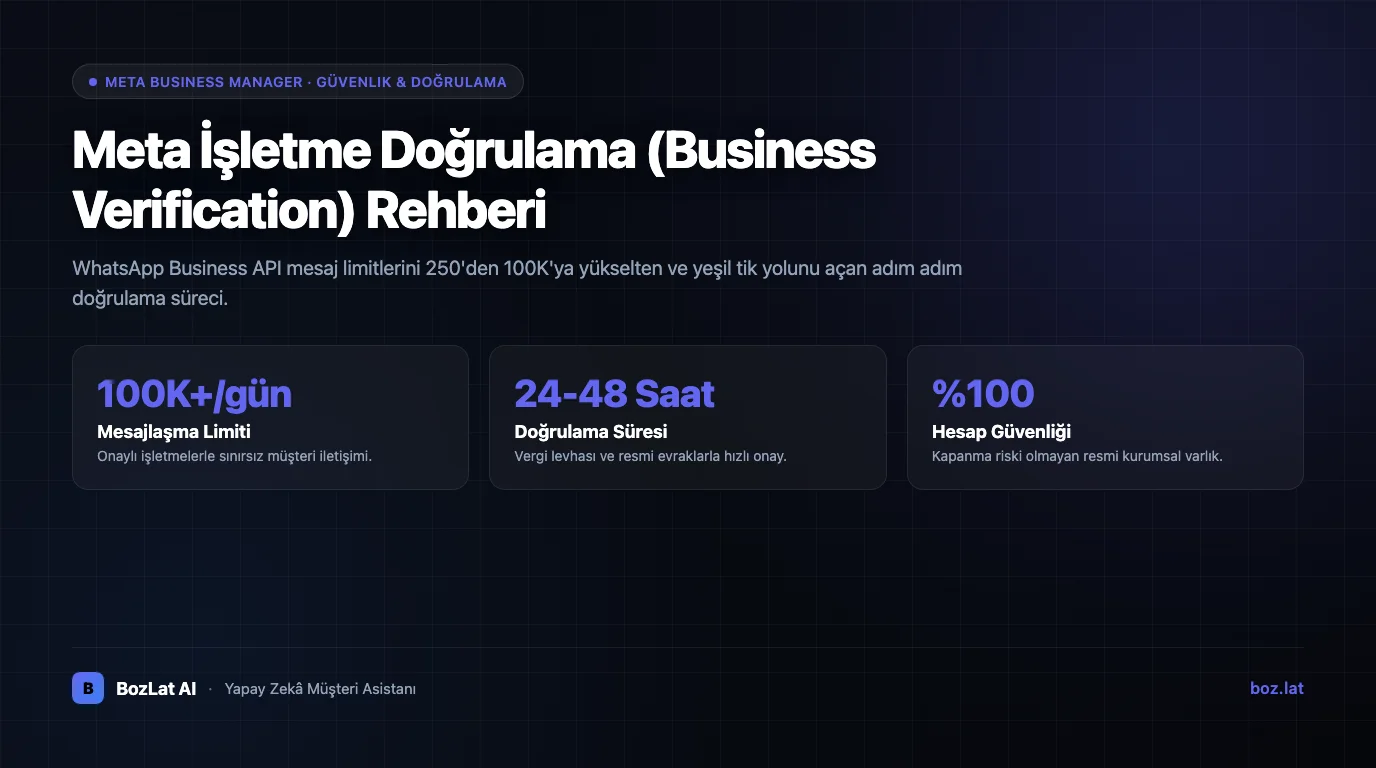
Meta Business Verification is the process where you prove with documents that your company genuinely exists and that you are authorised to manage its Meta account. It is the step most WhatsApp Business API deployments get stuck on, and it is bureaucratic rather than technical: almost every delay traces back to a document inconsistency.
This guide explains what verification actually proves, when it becomes mandatory, how to prepare the documents, and what to do when you get rejected.
What verification actually proves
- Legal existence: is the company or sole proprietorship officially registered?
- Name and address consistency: do the details in Meta Business Manager match the official record exactly?
- Domain ownership: does the website in the application really belong to this business?
- Authority: is the person applying entitled to act on behalf of the business?
Verification is not a quality or trust award; it is an identity check. Making that distinction early sets the right expectation: being verified does not make your messages less likely to be blocked, it simply opens the door to using the API.
When does verification become mandatory?
Meta requires verification based on how the account is used. In practice there are three thresholds: moving a WhatsApp Business API deployment into production, raising messaging limits above the test tier, and applying for an official business account. An initial test setup may not require it, but it must be completed before opening to real customer traffic.

What to prepare before you start
| Requirement | What it should be | Common mistake |
|---|---|---|
| Legal business name | Exactly as in the trade registry | Using the brand name, an abbreviation or different capitalisation |
| Address | Identical to the official record | Entering a branch or former address |
| Document | Legible, current and full page | Cropped screenshot or expired document |
| Domain | Owned by the business and reachable | A parked or under-construction domain |
| Phone | Visible on the document or the website | A number that appears only in the panel and cannot be verified |
| An address on the business domain | Using a free email provider |
Accepted documents are typically a trade registry record, tax certificate, certificate of activity or a current utility invoice issued in the business name. Because accepted document types vary by country and entity type, check the options listed in the panel before applying.
Domain verification: three methods
You prove domain ownership using one of three methods. The DNS record is the most durable; the meta tag is usually the fastest:
- DNS TXT record: you create a TXT record in your domain provider's panel. Propagation can take a few hours, but it survives even a full site rebuild.
- HTML file upload: you place the supplied file in your site's root directory. Practical for static sites, but verification can lapse if the file is removed.
- Meta tag: you add a tag to the
headsection of your homepage. The fastest method, but it can disappear when the theme or template changes.
The process step by step
- Create the Business Manager account and enter business details exactly as in the official record.
- Verify domain ownership using one of the methods above.
- Open the verification request in the Security Centre and select your business type.
- Upload the document, checking once more before submission that the name, address and date match the panel.
- Complete contact verification (phone or email code).
- Wait for the review and track the outcome in the panel.
How long does it take?
If documents are complete and consistent, the review usually concludes within a few business days. The one thing that stretches the timeline is almost always inconsistency: a missing document, a name that does not match the panel, or a domain that cannot be verified. Rushing the first application and getting rejected takes far longer than preparing carefully up front.
The most common rejection reasons
- Information mismatch: even the smallest difference between the name or address in the panel and on the document is grounds for rejection.
- Illegible document: cropped, low-resolution or partially visible documents are not accepted.
- Out-of-date document: an expired certificate of activity or paperwork with a former address.
- Domain cannot be verified: the site is unreachable or the verification record has been removed.
- Brand name used instead of legal name: where the trading name differs from the registered entity, the panel must carry the legal name.
- Free email address: applications made from an address outside the business domain get questioned.
What to do if you are rejected
The rejection notice states what was missing. Instead of re-uploading the same document, close the gap first: update the name to match the registry, rescan the document full page and legible, and check that domain verification is still valid.
Reapplying without correcting anything returns the same rejection, and consecutive rejections stretch the process. If you are confident the details are correct, you can use the appeal route and show the support team explicitly how the document maps to the panel fields.
Verification, the green badge and display name approval are not the same
These three are constantly confused and are not interchangeable:
| Concept | What it does | How you get it |
|---|---|---|
| Business verification | Opens the door to using the API in production | Through document and domain verification |
| Display name approval | Approves the business name customers will see | Through an application that meets the naming policy |
| Official business account (green badge) | Shows a verified badge in the chat header | Through a separate application based on brand notability criteria |
For the green badge process see green tick and official business account, and for how the API works overall see what is WhatsApp Business API. For the step that follows verification, our migrating a number to the API guide covers the process.
Delegating the setup
Verification is the most bureaucratic, but one-time, step of onboarding. In a BozLat AI setup these steps are guided on the business's behalf: which document must match which field is checked in advance, and later steps such as template approval run in the same flow. For the template side see template approval and rejection reasons, and for packages see our BozLat AI pricing page.
Frequently Asked Questions
Related Articles
8 min read
How to Set Up an AI Chatbot? Step-by-Step Enterprise Guide
Enterprise AI assistant setup guide: Knowledge base ingestion, official Meta channel integrations, sandbox testing, and a smooth rollout.
10 min read
WhatsApp Cloud API vs On-Premises: Full Comparison
What is the difference between WhatsApp Cloud API and On-Premises API? A decision guide covering cost, maintenance, data residency, new features and migration steps.
5 min read
AI Chatbot CRM Integration Guide
Learn how to integrate WhatsApp and AI chatbots with CRM systems, data privacy rules, and customer management benefits in our comprehensive guide.
Ready to set up an AI assistant for your business?
View Pricing