October 8, 2026 · 9 min read
WhatsApp Service Intake for Fire Detection Systems
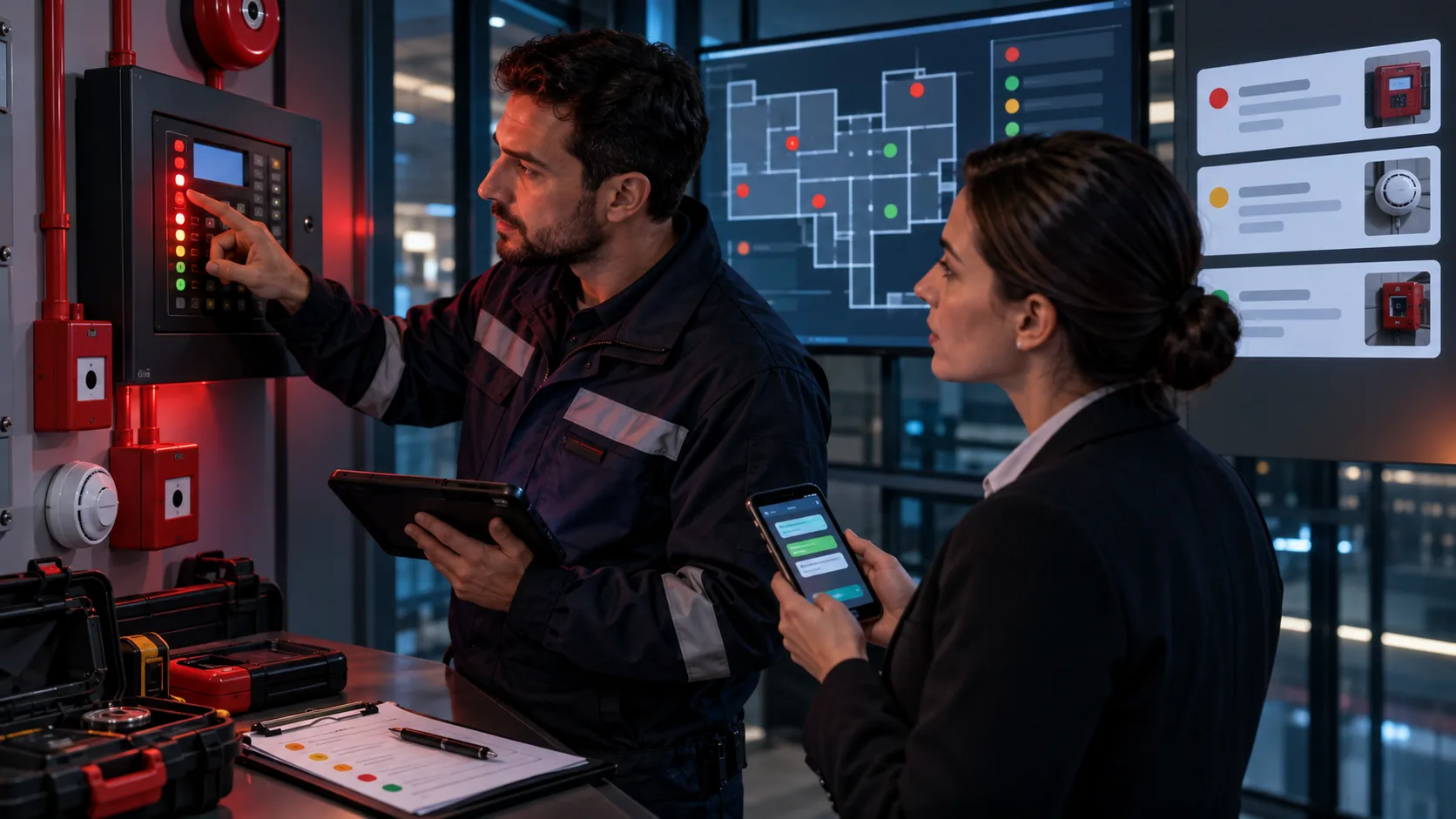
‘The panel shows a fault on the third floor; can someone visit today?’ is important for a service team, but it cannot support remote diagnosis or improvised safety instructions. First separate active fire, smoke or evacuation conditions from routine fault and maintenance requests. Then capture facility, panel, zone, device, timing and site access with their sources. A WhatsApp assistant should not make safety decisions for specialists; it should transfer a safe, traceable service record to the right team.
Separate Emergencies from Service Requests First
If active fire, smoke, injury or possible evacuation is reported, the conversation should not continue as a routine fault form. Direct the user to follow the facility emergency plan and, when appropriate in Türkiye, report the fire through the official 112 Emergency Call Centre. Never assume the environment is safe or take responsibility for evacuation decisions.
| Intake field | Example answer | Next step |
|---|---|---|
| Condition | No active smoke; panel fault indication | Service flow |
| Facility | Business centre, block B | Team routing |
| Zone | Third-floor east corridor | Device matching |
| Source | Panel display and timestamped photo | Specialist review |
| Access | Technical-room contact available | Appointment plan |
Collect Minimum Service Details Separately
Keep facility name and address, authorised contact, active-emergency statement, panel or system identity, visible zone and device information, first-observed time, recurrence, available photographs and access conditions in separate fields. If the user does not know something, leave it unknown rather than inventing a device code or fault cause.
- Facility, block, floor and access point
- Statement about active fire, smoke or evacuation
- Panel, loop, zone or device label
- First-observed time and recurrence
- Timestamped panel and device photographs
- Site contact, working hours and access restrictions
Treat Photographs as Sources, Not Diagnosis
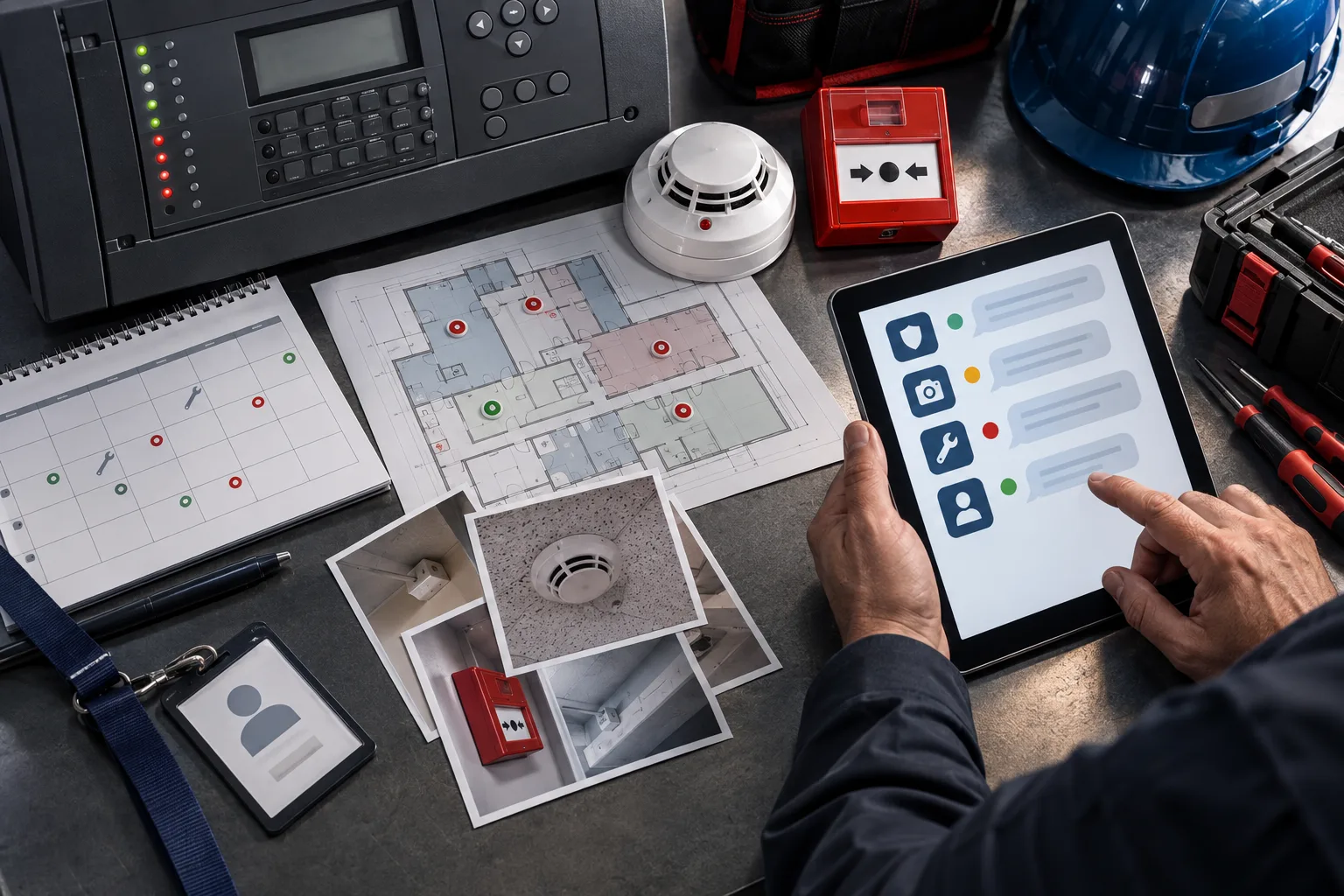
A panel display, detector or call-point image may help technicians prepare, but it does not prove the fault cause. Match every image to facility, zone, device and submission time. Keep sources visible so an old photograph cannot be mistaken for the current event.
Match Zones to Physical Devices Carefully
The label shown on a panel and the physical device location are different sources. Do not present user-entered information as confirmed system truth. Keep panel statements, plan information and physical labels separate, and send conflicts to the technician as open questions.
Restrict Remote Intervention Instructions
Silencing, resetting, disabling or removing devices may require specific authority and safety controls. Show only pre-approved guidance suitable for the user's role and system. Never encourage improvised technical intervention.
Plan Appointments Together with Site Access
Technician availability is only one dependency. Safety procedures, technical-room access, escorts, work permits, loading points and working-hour restrictions may affect the visit. A requested time is not a confirmed appointment until the team verifies it.
Keep WhatsApp Follow-Up Rules Current
Meta's sending-messages documentation distinguishes free-form messages in the customer-service window from template messages outside it. Verify current permission and template requirements for appointments, missing evidence and status updates. Our WhatsApp Business API guide provides broader technical context.
Process Facility and Contact Data Proportionately
Contact details, building plans, security points and device photographs may contain sensitive operational information. The authority's processing principles require specified purposes and relevant, limited, proportionate processing. Restrict access to necessary service roles and retention to a defined period.
Give Technicians a Sourced Handoff
Include the emergency statement, facility, panel, zone, device, timeline, photographs, user actions, access and open questions. Keep user statements, panel images, maintenance history and specialist findings as separate sources.
Measure More Than First-Reply Time
Track correct emergency routing, technician-ready records, wrong device matches, missing access details, repeat visits and appointment changes. Measure prepared human takeover instead of fast but unsafe remote diagnosis.
Test Critical Boundaries Before Launch
- Confirm routine intake stops when active fire is reported.
- Verify photographs cannot create an automatic fault diagnosis.
- Ensure unauthorised users do not receive reset or disable instructions.
- Check panel labels and physical devices remain separate sources.
- Confirm the bot stops making safety decisions after technician takeover.
Prepare Technician-Ready Records with BozLat
BozLat can structure emergency statements, facility, zone, device, photographs and access from WhatsApp, expose missing details and give technical service a sourced summary. Emergency response, risk assessment, remote intervention and final diagnosis remain with authorised teams. Explore related capabilities in services and options on the pricing page.
Frequently Asked Questions
Related Articles
9 min read
WhatsApp Damage Intake for Professional Auto Glass Shops
Collect auto glass damage photos in WhatsApp, then create a complete record for safe guidance, part verification and a properly prepared service appointment.
9 min read
WhatsApp Instrument Intake for Calibration Laboratories
Collect instrument type, range, requested service and delivery conditions through WhatsApp, then give the laboratory a traceable intake summary.
9 min read
Cold Storage Service Fault Intake through WhatsApp
Capture cold-storage faults safely in WhatsApp; organise alarms, temperature trends, equipment context and site access for a prepared service response.
Ready to set up an AI assistant for your business?
View Pricing