October 6, 2026 · 9 min read
Web Chat Case Intake Guide for Dental Prosthetics Labs

‘If we send the scan, can you deliver by Friday?’ is a valuable laboratory enquiry, but it is not enough to accept a case or promise delivery. Restoration type, file version, material preference, clinic timetable and missing records need to be seen together. A web chat assistant should not make clinical or technical decisions for a dentist or dental technician; it should prepare a sourced intake brief for qualified review.
Open with Work Context, Not Patient Identity
Instead of requesting a patient name in the first conversation, collect the clinic, an anonymous case reference, the general work type and target date. If the clinic must share health data, route it away from open chat to an authorised secure channel.
| Intake field | Example answer | Next step |
|---|---|---|
| Work type | Clinic statement: single crown | Technical review |
| Source | Intraoral scan | File check |
| Material | Preference supplied | Specialist confirmation |
| Timing | Clinic target: 9 October | Capacity check |
| Status | Awaiting file | Secure upload |
Collect Minimum Case Details in Separate Fields
Keep clinic and authorised contact, anonymous case reference, general restoration scope, arch or region context, scan or impression method, submitted files, material preference and target date in separate fields. Never invent missing technical details from conversational text.
- Clinic and authorised contact
- Case reference without direct identity
- General requested work scope
- Status of scans, photographs and impression files
- Source of material or shade preference
- Clinic target and delivery method
Separate File Received from Case Accepted
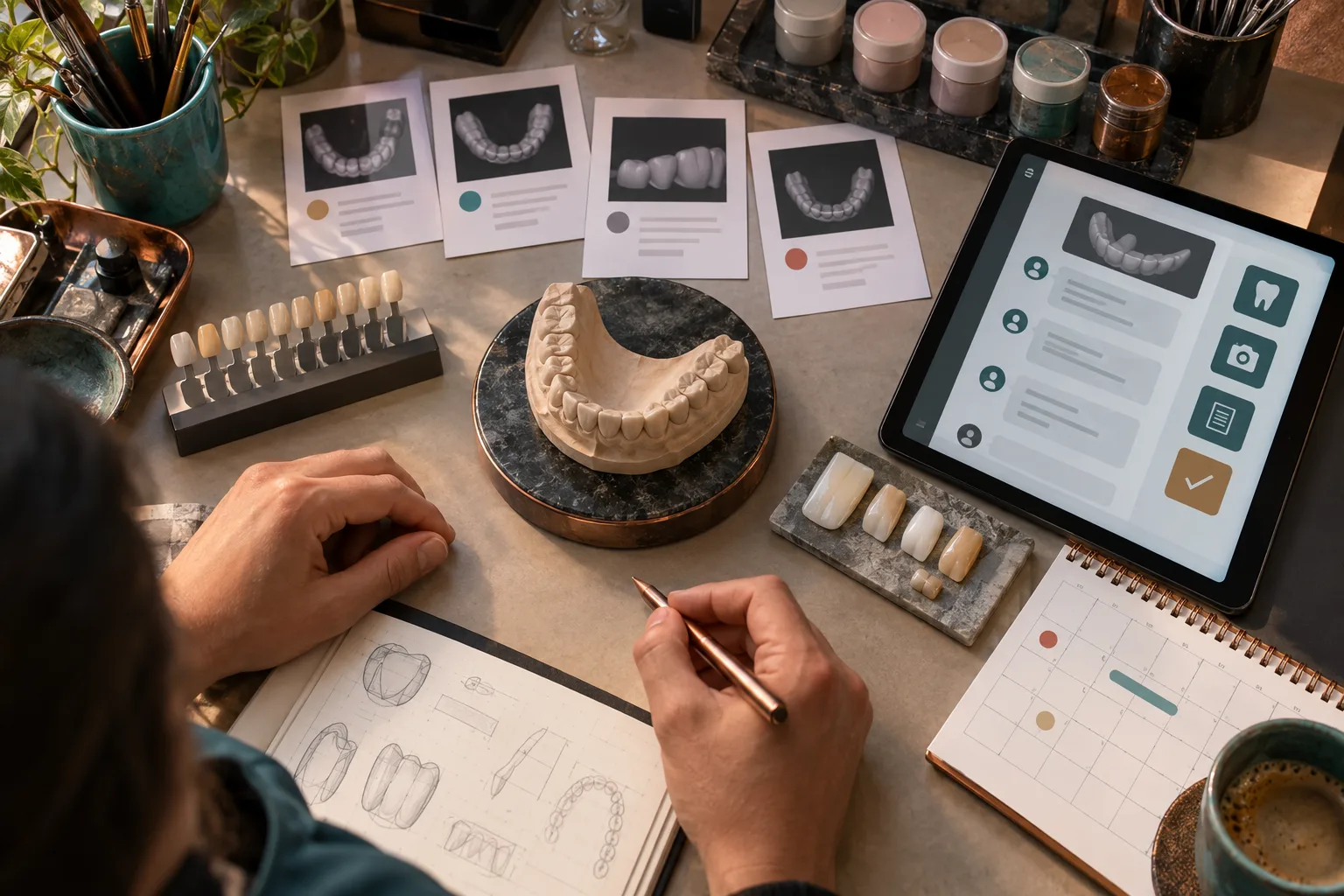
An uploaded scan does not prove that the file opens, belongs to the correct case, is technically sufficient or has been accepted for production. Track received, readable, awaiting match, under technical review, revision requested and accepted as separate states.
Do Not Infer Technical Suitability from Chat
Material, margin, occlusion, design and rescan needs require professional assessment. The assistant may record a clinic-stated preference, but it must not present that preference as verified technical instruction or patient suitability.
Preserve Version and Source History
A case may receive multiple scans, photographs or design notes. Store sender, time, version and accompanying explanation for every file. A new upload must not silently invalidate the old version; a qualified reviewer should explicitly select the source used for production.
Connect Delivery Dates to Capacity Review
The clinic's target date is an expectation. Do not promise delivery before file completeness, technical acceptance, production capacity, try-in needs and transport are known. If a revision changes timing, communicate the new status with its source and timestamp.
Keep Health Data out of Open Web Chat
Patient names, images and intraoral records may contain sensitive personal data. Do not turn the first-contact screen into a file repository; route necessary records to an authenticated channel with restricted access. The authority's processing principles require data to be relevant, limited and proportionate to specified purposes.
Give the Laboratory a Sourced Handoff
Include clinic, anonymous reference, work scope, source files, versions, clinic preferences, target date and open questions. Keep clinic statements, system status and technician decisions in separate fields.
Measure More Than Reply Speed
Track cases ready for technical review, missing files, wrong versions, revision loops, date changes and correct specialist routing. Measure cases progressing safely to production instead of fast but unsourced acceptance.
Test Critical Boundaries Before Launch
- Confirm patient data is not requested in open chat.
- Verify an uploaded file cannot receive automatic technical approval.
- Ensure a new version never silently overwrites an old file.
- Check delivery cannot be promised without capacity review.
- Confirm the bot stops making material or design decisions after human takeover.
Prepare Cases for Professional Review with BozLat
BozLat can structure clinic, work scope, file status and target timing from web chat, expose gaps and send the laboratory a sourced summary. Clinical assessment, technical suitability, design, production and delivery approval remain with qualified professionals. Read the broader B2B lead qualification guide, explore related capabilities in services and review options on the pricing page.
Frequently Asked Questions
Related Articles
9 min read
Web Chat Fault Intake for Professional Boiler Services
Classify boiler service requests safely through web chat, then turn model, symptom and address details into an appointment with the right technician.
9 min read
Web Chat Matching for Industrial Spare Parts Buyers
A practical web chat workflow for industrial spare-parts sellers to capture machine identity, part codes, dimensions, operating context and buyer urgency.
6 min read
Boosting Customer Retention with AI Chatbots
Strategies for increasing customer lifetime value, re-engaging past buyers, and driving repeat sales using automated AI messaging.
Ready to set up an AI assistant for your business?
View Pricing