September 8, 2026 · 9 min read
WhatsApp Inspection Automation for Pest Control Firms
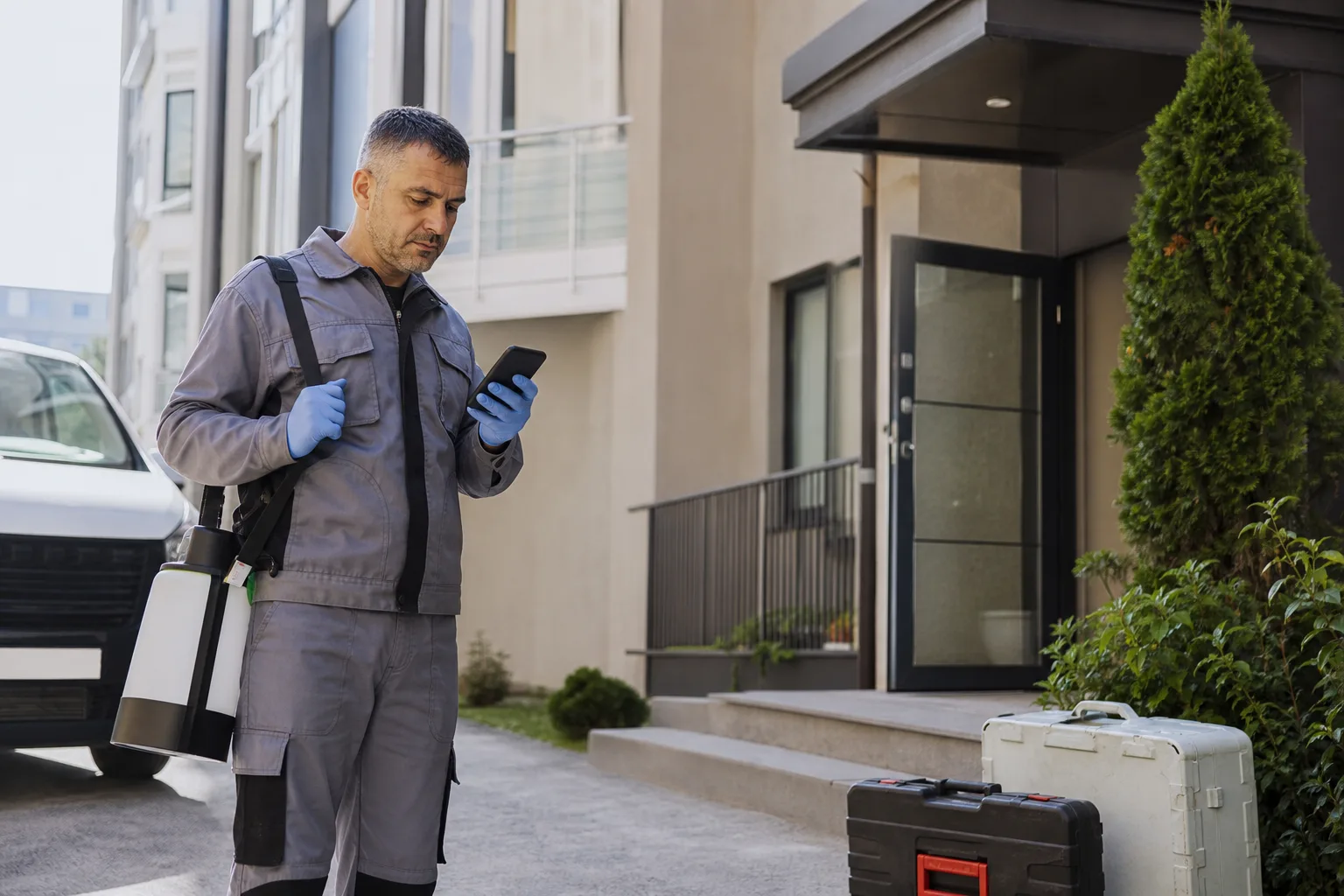
A message saying, “There are insects at home; how much will it cost?” is not enough to determine a treatment and fixed price remotely. Property type, observed signs, area size, children or pets, access conditions and earlier work all affect the inspection plan. WhatsApp automation should not identify a pest with certainty from a photograph. It should create a safe preliminary record and route the right specialist into a suitable appointment window.
Classify Risk, Not a Species, in the First Message
The customer's name for a pest may be technically wrong. Ask where, when and how often the signs appear instead of getting stuck on “which insect?” Context such as a food-preparation area, child's room, shared building void or production site changes priority. If the person reports a severe allergic reaction, possible poisoning or another medical emergency, the assistant must not recommend a chemical; it should direct them to the appropriate emergency health channel.
Define Six Core Fields for Preliminary Intake
| Field | Example | Operational use |
|---|---|---|
| Property | Apartment, house, restaurant or warehouse | Team and service scope |
| Signs | Location, time and frequency | Inspection priority |
| Location | District and access directions | Route and service area |
| Sensitivity | Children, pets or food area | Preparation and safety check |
| History | Previous work and date | Repeat-case assessment |
| Availability | Day and time range | Inspection appointment |
Do not send the questions as one long form. Confirm the service area and property type first, then reveal only relevant detail. A restaurant request needs production hours and food-area access; a home request may emphasize pets and who will be present. Answers should become separate fields for the field team rather than disappearing into chat history.
Use a Photograph as an Inspection Clue, Not Proof
A photograph can help the technician prepare, but it must not be presented as a definitive identification or treatment decision. Ask where and when it was taken. Do not request images of unnecessary personal possessions, people or private rooms. Offer text-based intake and an on-site inspection to customers who prefer not to share media.

Explain Scope before Promising a Fixed Price
One number before the area and issue are confirmed creates an expectation gap. Automation can explain a minimum visit charge, whether inspection is required and which details affect price, but it must not invent a total without an approved source. Avoid claims such as a guaranteed solution from one photograph or one visit when there is no field evidence.
The quote record should show included areas, repeat-visit conditions, preparation requirements and payment timing. Do not treat one apartment and the whole building's shared spaces as the same scope. Where several independent units are involved, collect the manager or authorized contact separately.
Match the Appointment to Skills and Route
An empty calendar slot is not enough. A commercial kitchen, warehouse, high area or shared building job may require different equipment and skills. Use property type, region, estimated duration and required equipment to narrow the team pool. Sequence the day's appointments by travel and preparation time, not time alone.
- Give a realistic arrival window rather than one exact minute.
- Confirm address and site contact before the appointment.
- Send preparation instructions only from the version approved for that service.
- If the team is delayed, provide a current status and a revised window.
- Update the field route immediately when an appointment is cancelled.
Keep WhatsApp Permission Limited to the Service Request
Requesting an inspection does not mean the customer wants future campaigns. Meta's official WhatsApp opt-in guide requires clarity about the business and what communication the person accepts. Record necessary inspection, appointment and post-service messages separately from marketing permission.
After the service window opened by the customer's message closes, a business-initiated reminder may require an approved template. Meta's message types documentation explains the distinction. A reminder needs little more than the date, arrival range, preparation step and cancellation route.
Give the Field Team a One-Screen Handoff
The technician should not ask every question again. The summary needs property type, location, signs, sensitivities, shared images, earlier work, access notes and promises already made. Never present the bot's guess as fact; write that the customer reports signs near a kitchen cabinet, for example.
Keep the technician's findings separate from customer statements after inspection. That makes a wrong initial assumption, price change or repeat visit traceable. Our live-agent handoff guide explains the broader transfer pattern.
Test Exception Scenarios before Launch
- Exercise an address outside the service area, same-day request and incomplete location.
- Test customers who share no photo, name the pest incorrectly or report several areas.
- Confirm that children, pets and food-area information reaches the field summary.
- Check that an empty slot does not assign a team without the required skills.
- Verify that the bot makes no price or treatment promise after human handoff.
- Confirm that cancellations and delays update both the customer and the route calendar.
A Pest-Control Inspection Flow with BozLat AI
BozLat AI can collect property, signs, location and access details in sequence, transfer risky or uncertain requests to a person and schedule an inspection with the suitable team. See the pricing page for channel scope and our appointment reminder guide for the wider message pattern. Starting with one service area and one inspection type reveals safety and routing errors early.
Frequently Asked Questions
Related Articles
5 min read
WhatsApp Appointment and Periodic Reminder Automation for Cleaning Companies
How do cleaning companies manage home/office cleaning appointments, periodic reminders, and staff arrival notifications with a WhatsApp AI assistant?
5 min read
WhatsApp Order and Pickup Automation for Dry and Carpet Cleaners
How do dry cleaners and carpet cleaning businesses manage pickup-delivery appointments, order tracking, and "item ready" notifications with a WhatsApp AI assistant?
5 min read
WhatsApp Parent Communication Automation for Daycares and Preschools
How do daycares and preschools manage introductory/tour appointments, tuition reminders, and event-announcement notifications with a WhatsApp AI assistant?
Ready to set up an AI assistant for your business?
View Pricing