October 14, 2026 · 11 min read
WhatsApp Maintenance Booking for Compressor Services

A factory contact sends an evening message: ‘The compressor is due for maintenance. Can you come on Friday?’ For the service team, that is not yet an appointment. Which machine, which site, what operating window and what access arrangements are involved? This workflow is for independent compressor service businesses supporting small production facilities. It turns the conversation into a record that staff can schedule, while qualified technicians retain decisions about maintenance scope and safety.
How does a request differ from a confirmed visit?
Start with a preliminary request status. Store the customer's preferred day separately from the visit window accepted by staff. A message saying ‘Friday works for us’ must not become an automatic calendar confirmation. Before confirming, verify equipment identity, technical scope, site availability and service capacity together. The record should show who completed each check. An assistant can ask for missing information, but should not fill an empty field by guessing from another conversation. Confirmation is a staff decision backed by the current request.
Which equipment details belong in the first conversation?
Ask for the site name, manufacturer and model, and an existing service record number if available. If the customer is unsure of the model, request a photograph of a label only when it can be accessed safely. Do not ask them to open an enclosure or approach operating equipment. Record unreadable serial details as unverified. Where a site has several compressors, a photo alone does not establish which record it belongs to. Add previous maintenance dates, operating hours and contract details only from a source record or an explicit customer statement.
How should sources and uncertainty appear in the record?
Keep the source beside each field: customer statement, previous work order or technician verification. ‘About eight thousand hours’ is not equivalent to a value verified on the equipment display. An old service record must not automatically count as current. If the customer says the machine has changed, check its identity again. Model names or text extracted from a photo should also remain proposals awaiting review. The record gives the technician a starting point; it cannot establish the machine's present condition remotely or replace an inspection.
| Field | Initial status | Approver |
|---|---|---|
| Equipment identity | Statement or earlier record | Service coordinator |
| Preferred visit | Customer preference | Scheduling staff |
| Downtime window | Site-reported availability | Site contact |
| Maintenance scope | Awaiting technical review | Qualified technician |
How do you ask about the site's downtime window?
Instead of only asking which day is convenient, collect the date and time range the facility can allocate to the visit. Record the production constraints, the person responsible for authorising downtime and whether the visit is intended during operations or a planned stop. The assistant cannot calculate a safe intervention duration from those answers. Technical staff must determine duration, required preparation and the conditions under which the equipment is handed over. If the proposed window is insufficient, send a clear question to scheduling staff rather than inventing a definite duration.
What access arrangements should staff collect?
An address may not be enough. Ask about the service entrance, the person arranging visitor access, the site's stated entry procedure and an available contact. Do not request gate passwords, security-system credentials or unnecessary identity documents in chat. If corporate paperwork is required, use the business's approved channel. The service team follows the facility's own work-permit procedures; the assistant must not speak as though permission has already been granted. Missing access approval should remain visible in the booking status and in the summary sent to scheduling staff.
How should parts preparation be handled before the visit?
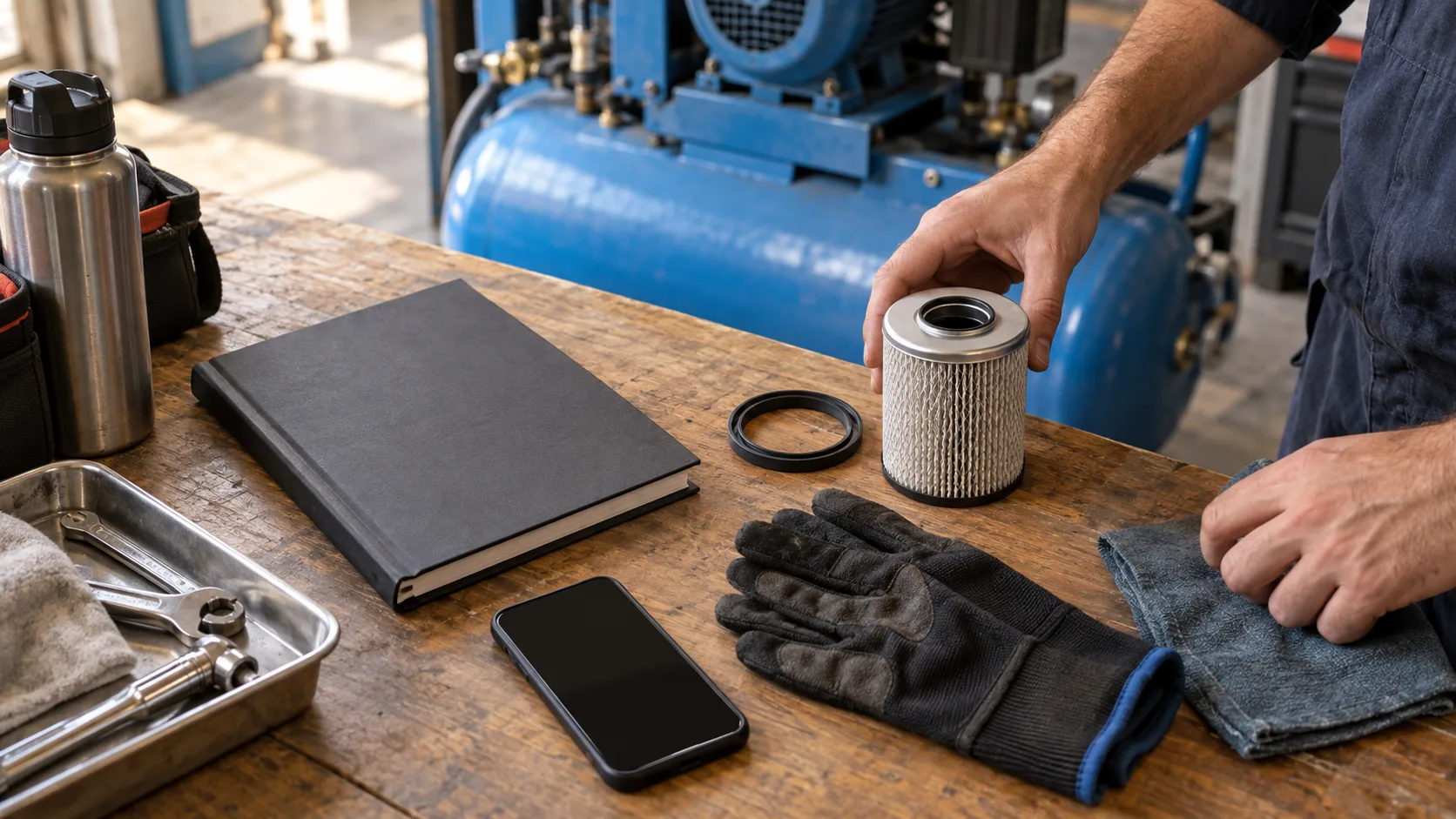
Do not promise compatibility because a filter looks similar in a photo. A technical owner checks the model, serial details and service history before selecting materials. If stock data is available, verify how current it is and whether the quantity has actually been reserved. ‘In the warehouse’ and ‘allocated to this work order’ are separate states. A confirmed visit with parts still under review does not justify promising completion of every maintenance task. The planning summary should name the person responsible for parts preparation and list the unresolved item separately.
What should the confirmation message contain?
Send the site, equipment record, visit window, intended scope of the meeting and contact person together. Use ‘your appointment is confirmed’ only after staff approval. Identify tasks that still depend on technical review. An example might read: ‘The service visit for equipment record A at your site is confirmed for Friday between 10.00 and 12.00. Our technical coordinator will review the maintenance scope. Please report any time or access changes against this request.’ This is an illustrative message, not evidence of a customer outcome or a universal service duration.
When can a WhatsApp reminder be sent?
Check the permitted message type as well as the planned time. Meta's sending messages documentation explains the use of approved templates outside the customer service window. Verify the reminder against the current window and template status. Do not add promotional content to maintenance information. Our WhatsApp Business API guide explains the channel, while the reminder timing guide covers scheduling logic. Acceptance of a send request does not prove the customer saw the message or reconfirmed the visit.
How should cancellation and rescheduling work?
When a customer requests another day, do not silently move the existing appointment. Create a change request, show the current reservation status and check the new window against staff capacity. Tell the customer whether the old window will remain reserved or be released under the business's policy. Reassess parts allocation, site access and technician availability for the new date. Use the request identifier to avoid creating a second work order when the same message arrives twice. The final confirmation should clearly describe the change from the previous date to the newly accepted one.
Which messages must leave the booking workflow?
If the customer reports unusual noise, smell, leakage, a sudden stop or another safety concern, do not leave the conversation in an ordinary maintenance queue. The assistant must not provide remote diagnosis or instructions to open covers, release pressure, alter electrical connections or disable protective components. Start a human handoff under the business's approved safety and urgent-contact procedures. Preserve reported signs in the customer's own words. Never classify the concern as non-urgent by guessing. Our human handoff guide explains how to carry the conversation context into that transfer.
What should the first pilot test?
- Start with one site group and a defined equipment family; have the service coordinator approve the technical scope.
- Try missing models, unreadable labels and conflicting historical records; confirm that none becomes automatically verified.
- Test full staff capacity, missing access approval and pending parts; check that no appointment promise is issued.
- Test date changes and duplicate messages; verify that one request does not create two work orders.
- Transfer a safety concern to a human and review whether the customer received any technical intervention instructions.
Fast replies alone do not establish pilot success. Track complete preliminary records, repeated questions, incorrectly confirmed appointments and summaries that humans have to correct. Define numerator and denominator before measuring. For example, the complete-record rate is the share of requests scheduling staff can assess without asking for missing information. Set targets using your own baseline. Presenting a generic savings percentage as an achieved result can hide problems with capacity and technical review, especially if staff still repair the record outside the measured conversation.
How should personal information in service records be limited?
Keep contact details at the level needed to organise the visit. The data protection authority's general principles address purpose-related, limited data use and necessary retention. The business's responsible staff should define access, retention and deletion arrangements. Restrict sharing when site photos include workers or unrelated production information. Give scheduling and technical staff access appropriate to their work rather than exposing the entire conversation to everyone. A data protection review must not be presented as an automated guarantee of legal compliance.
What scope should a BozLat evaluation verify?
For this use case, first design the WhatsApp stages for preliminary intake, missing-information questions and human handoff. If calendar, stock or work-order connections are requested, separately verify the existing system's access, data contract and failure behaviour. A working chat interface does not prove the integration is ready. Explore channel scope through BozLat services and current options on the pricing page. The first objective is to help the coordinator plan for the correct equipment and visit conditions, while leaving technical decisions with qualified staff.
Frequently Asked Questions
Related Articles
9 min read
WhatsApp Installation Scheduling for Fleet Tracking
Plan fleet tracker installation by vehicle, location, access, downtime and technician availability in a verified WhatsApp appointment workflow.
5 min read
WhatsApp Quote and Moving Appointment Automation for Moving Companies
How do moving companies manage price quote requests, moving date appointments, and moving day reminders with a WhatsApp AI assistant?
5 min read
WhatsApp Order and Special Occasion Reminder Automation for Florists
How do florists manage taking orders, same-day delivery questions, and special occasion (anniversary, birthday) reminders with a WhatsApp AI assistant?
Ready to set up an AI assistant for your business?
View Pricing