July 19, 2026 · 6 min read
WhatsApp Client Communication Automation for Accounting and CPA Offices
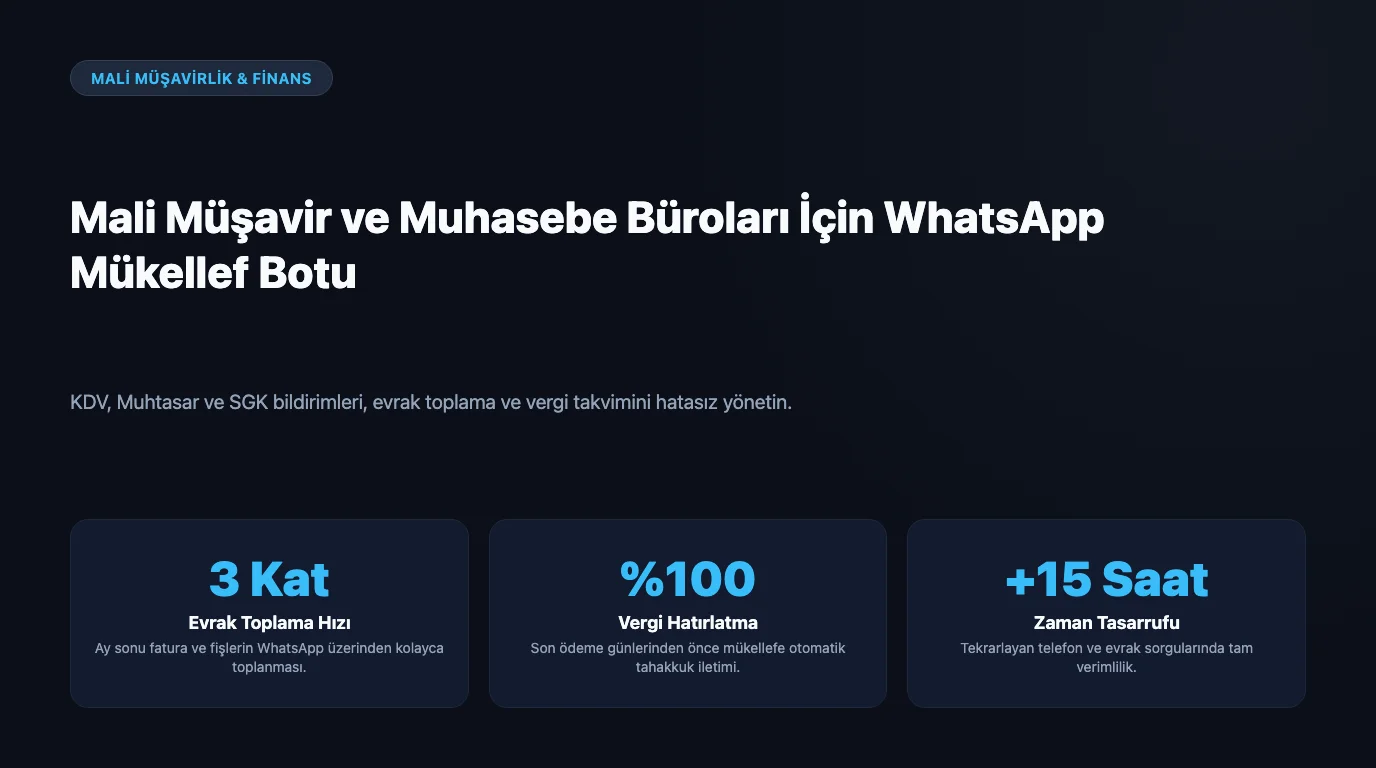
Accounting is a profession strictly tied to the calendar with intensive, repetitive communication. Every month on specific days, VAT, withholding tax, and SSI; periodically, temporary tax and annual tax declarations... Each of these must be reminded to the taxpayer on time, their documents collected, and payment days notified. While trying to make these reminders manually during busy periods, the office devotes less time to its main work, accounting and consultancy. A late reminder means a fine for the taxpayer and loss of reputation for the office.
Why is communication critical in an accounting office?
There are two types of burden. First, periodic reminders: declarations and payment deadlines must not be missed because the result is directly a fine. Second, document collection: receiving invoices, bank statements, and documents from taxpayers on time ensures the work runs smoothly. Both are predictable and repetitive, making them highly suitable for automation; they do not touch the accountant's creative/expert work.
What does the WhatsApp assistant take over in the accounting office?
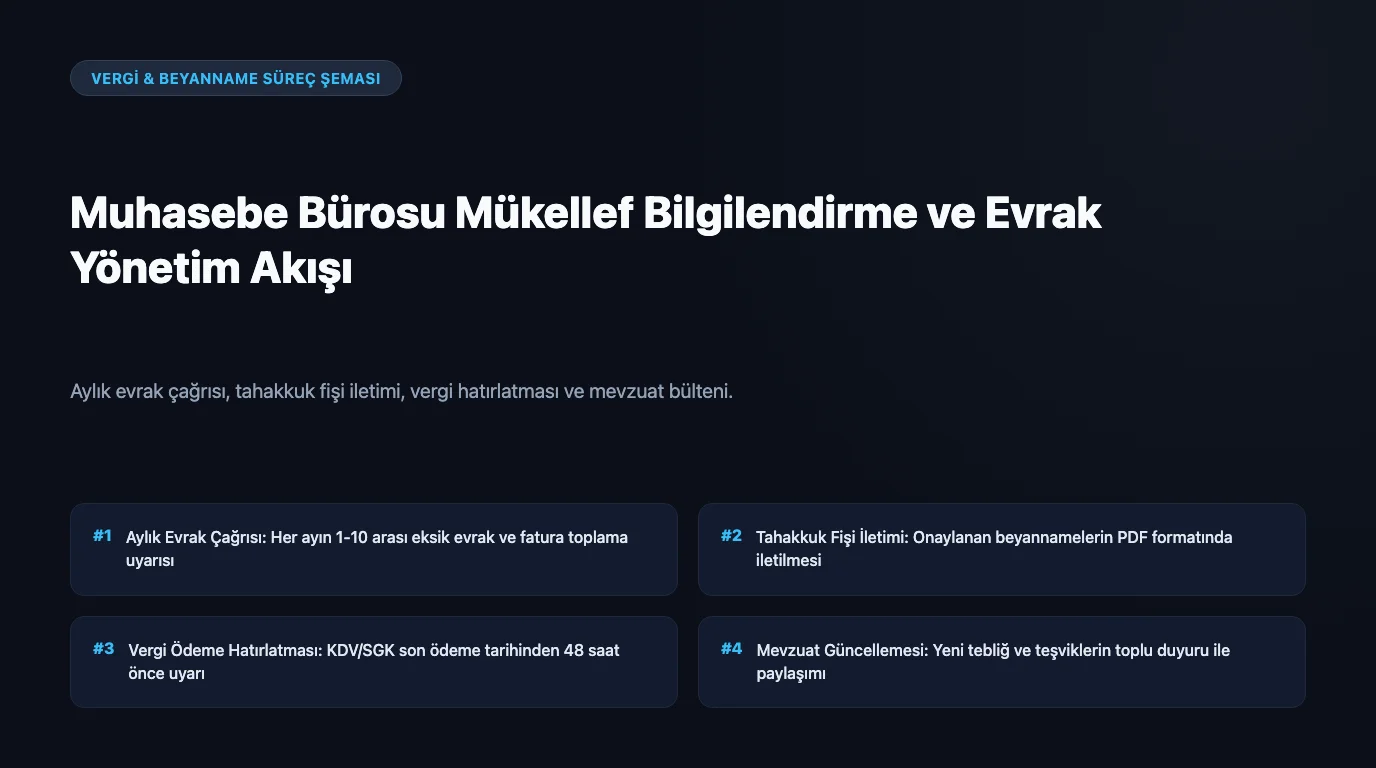
- Automatically sends tax declaration and payment deadline reminders to the taxpayer.
- Sends monthly document/record requests ("Don't forget to submit this month's invoices").
- Answers FAQs: working hours, required document list, process information, location.
- Receives appointment/meeting requests and records them on the calendar.
- Welcomes taxpayer messages coming out-of-hours; there will be an organized request list in the office in the morning.
Limitation: the bot DOES NOT provide financial/tax consultancy
This is the most critical design decision. The AI assistant does not do tax planning, legislation interpretation, or financial consultancy, this is the CPA's area of expertise and responsibility, and wrong guidance creates fine/legal risks. The bot's job is reminders, document collection, information, and appointments; any advisory question is transferred to the accountant.
Missed reminder, direct fine
| Situation | Without automation | With WhatsApp assistant |
|---|---|---|
| Declaration/payment due date | Manual follow-up, missed reminder → fine for taxpayer | Automatic reminder, fine risk decreases |
| Document collection | Called one by one, documents delayed | Automatic request, regular flow |
| Busy period message traffic | Office gets overwhelmed, delayed replies | Bot handles routine, team focuses on work |
| Out-of-hours question | Left until morning | Instant information |
We showed the cost of missed requests and communication to the office with a formula in this calculation guide. Considering the annual value per taxpayer and the risk of fines, automation protects both reputation and time.
Setup and Privacy
You enter your processes, document lists, working hours, and FAQs into the panel; the bot connects to your WhatsApp line. WhatsApp channel is monthly ₺1,499 in early access, 2,000 messages included. Taxpayer data are sensitive and confidential; data privacy is critical in provider selection, we addressed the questions to ask in our KVKK article. You can find the general automation setup for businesses in this setup guide.
Frequently Asked Questions
Related Articles
5 min read
WhatsApp Parent Communication Automation for Daycares and Preschools
How do daycares and preschools manage introductory/tour appointments, tuition reminders, and event-announcement notifications with a WhatsApp AI assistant?
5 min read
WhatsApp Order and Pickup Automation for Dry and Carpet Cleaners
How do dry cleaners and carpet cleaning businesses manage pickup-delivery appointments, order tracking, and "item ready" notifications with a WhatsApp AI assistant?
5 min read
WhatsApp Appointment and Periodic Reminder Automation for Cleaning Companies
How do cleaning companies manage home/office cleaning appointments, periodic reminders, and staff arrival notifications with a WhatsApp AI assistant?
Ready to set up an AI assistant for your business?
View Pricing