August 14, 2026 · 7 min read
Form and Booking Collection with WhatsApp Flows
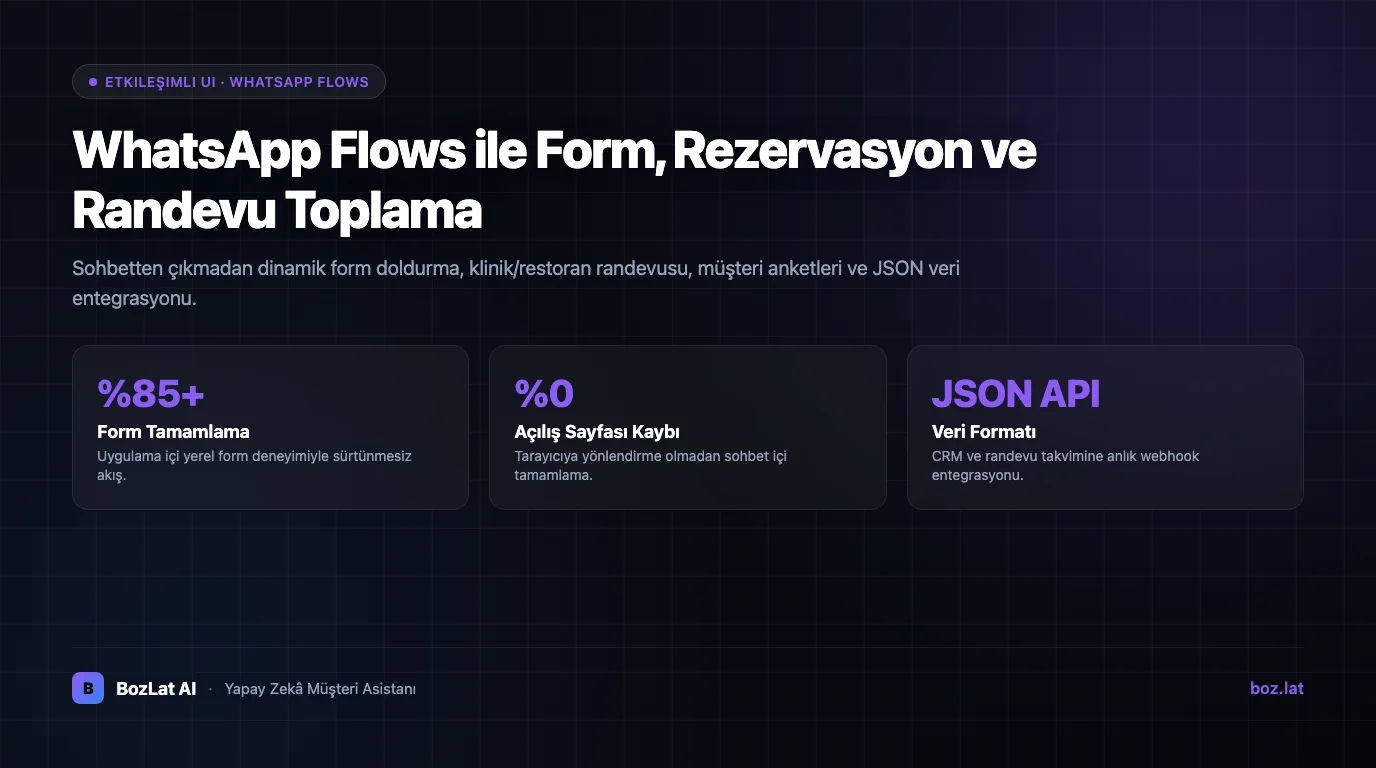
WhatsApp Flows is a Meta feature that lets users fill out rich interactive forms, select dates/times, browse variations, and book appointments without ever leaving the WhatsApp app. Compared to external web links, it dramatically increases conversion rates.
How WhatsApp Flows Works
When a user taps a button in chat, a native full-screen form interface opens inside WhatsApp. Users select options step-by-step (date pickers, dropdowns, radio buttons, text inputs), and submitted data is transmitted instantly via JSON webhooks to your backend.
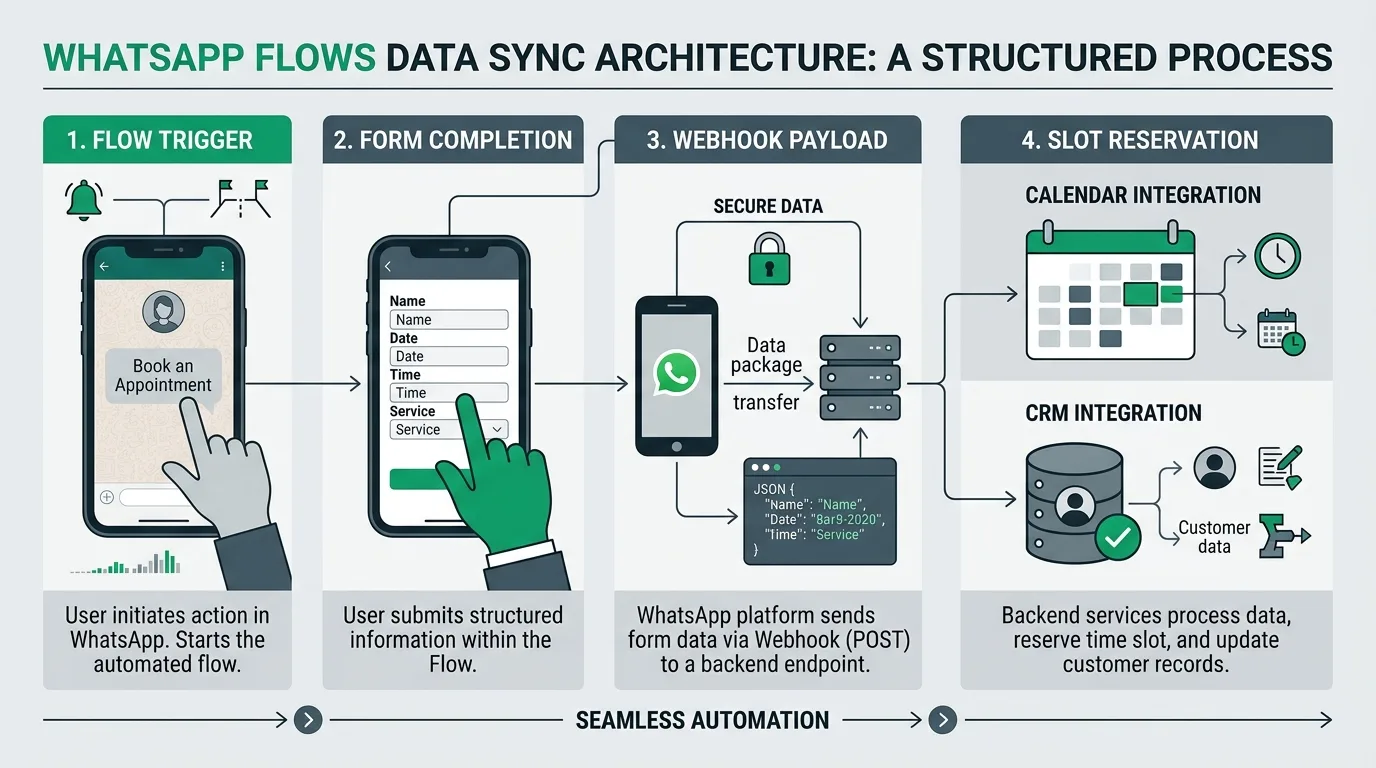
Use Cases Across Industries
- Healthcare & Clinic Bookings: Polyclinic selection, doctor choice, and appointment slot booking.
- Restaurant & Hotel Reservations: Party size, calendar dates, and special seating requests.
- Event & Course Registrations: Attendee details and session time preferences.
- Customer Feedback & Surveys: Star ratings and multi-choice satisfaction questionnaires.
Comparison: Flows vs Traditional Web Landing Pages
| Criteria | External Landing Page Form | WhatsApp Flows Form |
|---|---|---|
| User Experience | Redirects to browser with loading friction | Instant native in-app form experience inside WhatsApp |
| Completion Rate | 40-60% drop-off on external redirect | 80%+ high completion rate |
| Data Integrity | Manual phone/name input prone to typos | Directly matched with verified WhatsApp profile |
Explore sector applications in our clinic appointment bot and restaurant automation guides. For underlying platform details, consult what WhatsApp Business API is.
For official technical specifications, see the WhatsApp Flows Developer Guide.
Build WhatsApp Flows with BozLat AI
Design custom Flows easily inside BozLat AI drag-and-drop interface and connect to your booking calendar. Visit our BozLat AI pricing page to choose your plan.
Frequently Asked Questions
Related Articles
8 min read
Instagram DM Automation: Setup, Permissions and Sales Guide
How do you set up Instagram DM automation? Messaging API permissions, account connection steps, sales conversion flows and common mistakes in one guide.
8 min read
Automated Response Systems: Rule-Based vs Conversational AI
Comparative analysis of static auto-replies, menu-driven decision tree bots, and generative AI assistants across cost, CSAT, and conversion.
7 min read
Click to WhatsApp Ads Setup and Conversion Tracking
How to set up Click to WhatsApp (CTWA) ads? Meta Ads Manager configuration, default message setup, and tactics to increase conversion rates.
Ready to set up an AI assistant for your business?
View Pricing