August 10, 2026 · 7 min read
Click to WhatsApp Ads Setup and Conversion Tracking
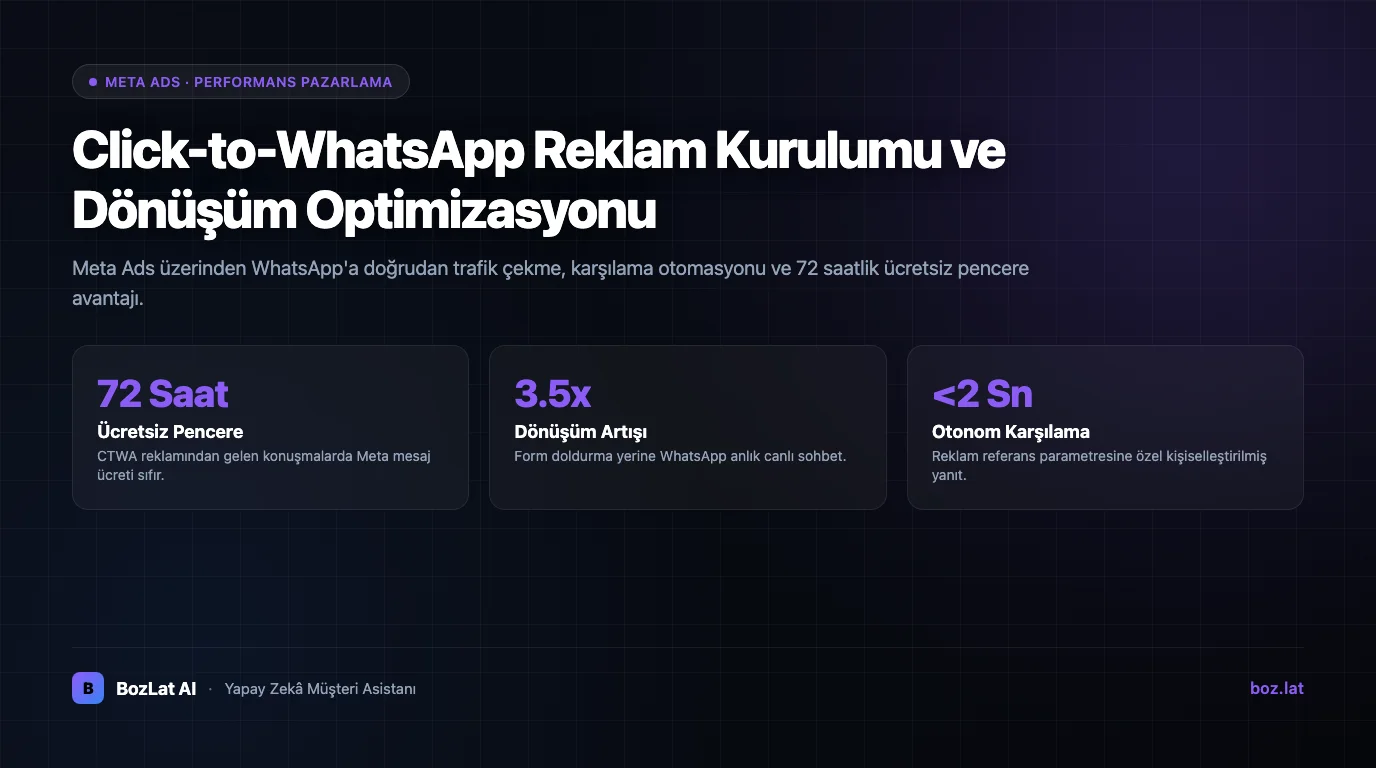
Click to WhatsApp (CTWA) ads direct users who click an ad on Facebook or Instagram straight into your company's WhatsApp chat window. Instead of filling out lengthy form pages, users initiate direct messaging with a single click.
How Click to WhatsApp Ads Work and Their Benefits
In traditional ad models, the funnel involves multiple steps: Ad Impression -> Click -> Landing Page -> Form Submission -> Call/Email. Every stage introduces drop-offs. Click to WhatsApp streamlines this into two direct steps: Ad Click -> WhatsApp Chat Started.
Key benefits of this approach:
- Removes Landing Page Friction: Rescues potential leads lost to slow loading form pages.
- Instant Contact Data: The user's verified phone number and profile name are captured as soon as they message.
- 72-Hour Free Entry Point Window: Under Meta policies, conversations initiated via CTWA ads benefit from free customer service messaging.
- Higher Conversion Rates: Mobile users prefer messaging directly over filling out static website forms.

Step-by-Step Meta Ads Manager Setup
- Select Campaign Objective: Choose 'Engagement' or 'Leads' in Ads Manager.
- Conversion Location: Set conversion location to 'Messaging Apps'.
- Account Pairing: Link your Facebook Page to your verified WhatsApp Business account.
- Audience & Budget: Define your target audience segments and daily budget.
- Creative & CTA: Add engaging visual creative and select the 'Send WhatsApp Message' CTA button.
- Default Greeting Message: Configure a tailored pre-filled message (e.g., 'Hi, I would like more information about your offer.').
Mistakes When Designing Default Template Messages
The pre-filled text in the WhatsApp chat input directly drives response rates. Instead of a generic 'Hello', use an explicit inquiry matching the ad's unique value proposition.
| Poor Prompt | Optimized Prompt | Business Impact |
|---|---|---|
| “Hello” | “Hello, I would like more info about your discounted offer for {{product}}.” | Immediately clarifies buyer intent. |
| “Can I get info?” | “Hello, please share the pricing catalog for your {{industry}} packages.” | Allows the AI bot to surface the correct menu. |
| Lengthy confusing paragraph | A single crisp question and 2 quick-reply buttons | Removes friction and sparks action. |
Managing Inbound Ad Messages with AI
Answering ad inquiries manually causes costly delays. AI assistants take over immediately after an ad click, greeting prospects with campaign-specific context, qualifying their needs, and recording verified leads. Learn more in our automated response systems comparison and what WhatsApp Business API is guides.
Conversion Tracking and Campaign Optimization
To maximize ad ROI, you must track how many initiated chats convert into closed sales. Integrating WhatsApp conversations with your CRM infrastructure provides end-to-end attribution. Explore our WhatsApp chatbot CRM integration guide for implementation details.
For official Meta advertising guidelines and standards, review the official Meta Ads Manager documentation.
Maximize CTWA Conversions with BozLat AI
BozLat AI captures inbound ad chats 24/7, delivers tailored info, and routes sales-ready leads to your team. Discover pricing options on our BozLat AI pricing page.
Frequently Asked Questions
Related Articles
8 min read
Automated Response Systems: Rule-Based vs Conversational AI
Comparative analysis of static auto-replies, menu-driven decision tree bots, and generative AI assistants across cost, CSAT, and conversion.
8 min read
Instagram DM Automation: Setup, Permissions and Sales Guide
How do you set up Instagram DM automation? Messaging API permissions, account connection steps, sales conversion flows and common mistakes in one guide.
7 min read
Form and Booking Collection with WhatsApp Flows
What is WhatsApp Flows? A guide to creating rich interactive forms, appointment, and booking screens directly inside WhatsApp chat.
Ready to set up an AI assistant for your business?
View Pricing