August 15, 2026 · 6 min read
Selling Products with WhatsApp Catalog Setup Guide
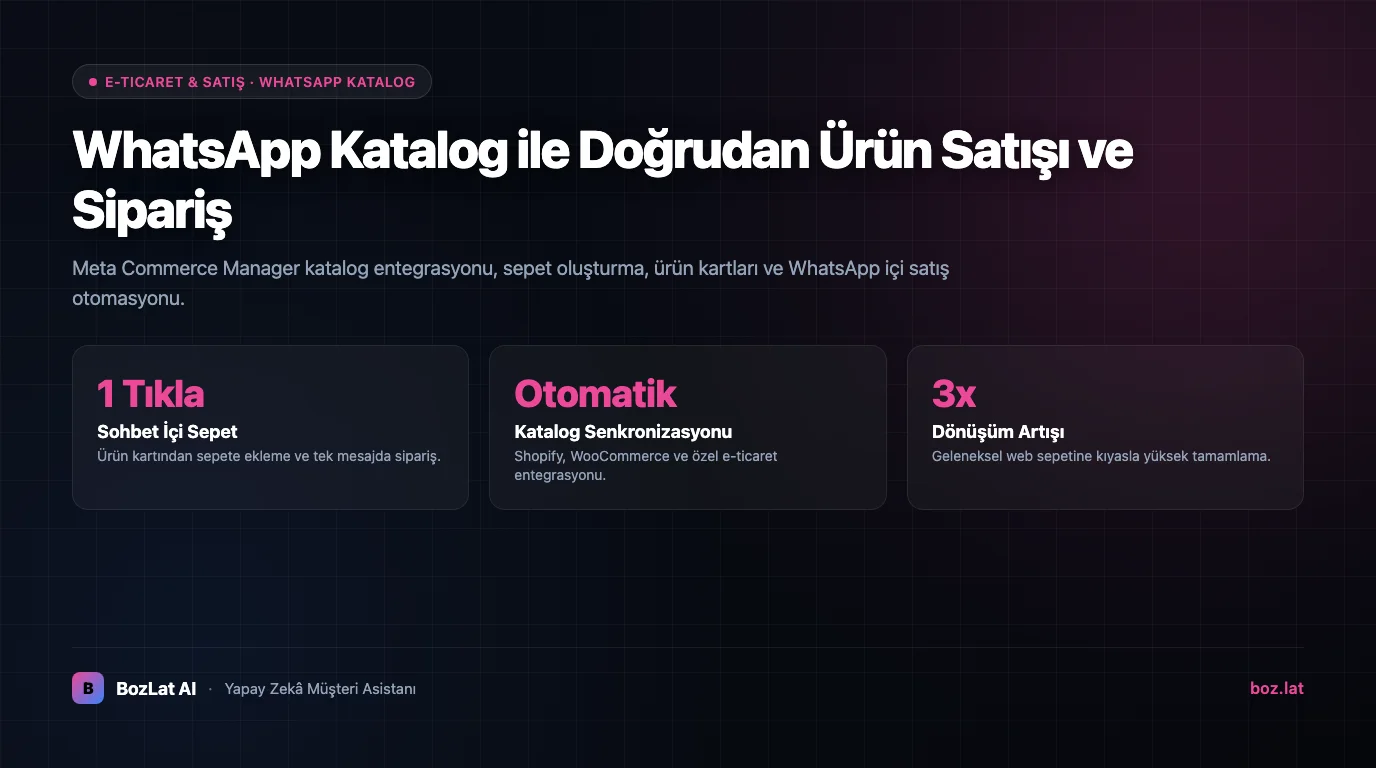
A WhatsApp Catalog allows e-commerce businesses to showcase products with images, descriptions, and prices directly inside the WhatsApp messaging window. Customers browse, add items to cart, and order without leaving the conversation.
Setup Steps via Meta Commerce Manager
- Meta Commerce Manager Account: Access Commerce Manager within Meta Business Manager.
- Create Product Catalog: Upload products manually or sync XML data feeds from Shopify, WooCommerce, or custom backends.
- WhatsApp Number Pairing: Link the catalog to your verified WhatsApp Business API number.
- Product Policy Approval: Uploaded items are reviewed and approved under Meta Commerce Policies.

Benefits of In-Chat Product Sales
| Feature | Traditional E-Commerce | WhatsApp In-Chat Catalog |
|---|---|---|
| Checkout Flow | Multi-step web checkout forms | Single-click cart building inside chat |
| Customer Support | Slow email or live chat queues | Instant automated AI product assistance |
| Personalization | Generic website product grids | Tailored product card recommendations in real time |
Learn more about store integration in our e-commerce chatbot and order status and shipment tracking guides. For template rules, see WhatsApp template approval.
For official guidelines, see Meta's Commerce Platform Policies.
Automate Catalog Sales with BozLat AI
BozLat AI sends relevant catalog items automatically based on customer inquiries. Check options on our BozLat AI pricing page.
Frequently Asked Questions
Related Articles
8 min read
Automate E-Commerce Order Tracking & Support with WhatsApp AI
Reduce e-commerce customer support workload by 80% with a 24/7 WhatsApp AI bot answering 'Where is my order?', return requests, and product stock inquiries.
7 min read
Automating Payment Collection with WhatsApp Payment Links
Closing the sale inside the conversation: how to generate order-bound payment links, time reminders, avoid fraud patterns and reconcile payments with your accounting records.
9 min read
Property Manager WhatsApp Maintenance Request Automation
Turn resident maintenance messages into structured jobs, route them to the right team and keep people informed without losing requests in busy WhatsApp threads.
Ready to set up an AI assistant for your business?
View Pricing