September 23, 2026 · 10 min read
WhatsApp Fault Intake for EV Charging Network Operators
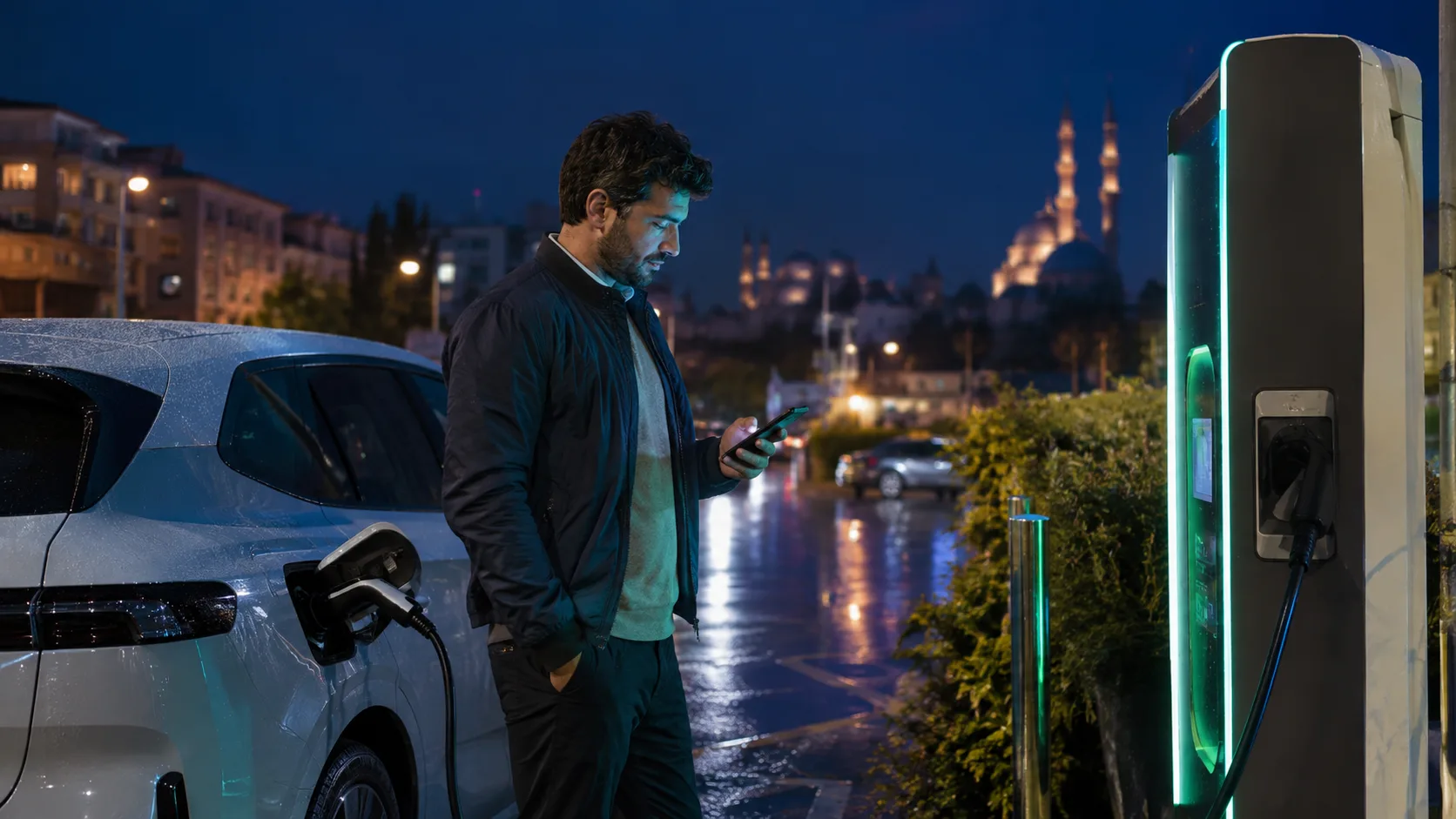
A driver messaging ‘Charging will not start’ does not give an EV charging operator enough information to decide what happens next. Station and connector identity, session status in the app, visible symptoms, time and the safety context all belong in the same record. A well-designed WhatsApp flow never asks the driver to attempt risky work on the equipment. It gathers observable facts, explains safe next steps and transfers the incident to the correct operations team.
Separate Request Type from Safety Context First
A failed start, payment or app question, connector that will not release, physical station damage and immediate danger must not share one undifferentiated queue. Early questions should identify visible smoke, sparks, strong odour, exposed parts or risk to people and vehicles. When there is an immediate concern, automation should stop technical questioning and follow the operator's safety and human-escalation procedure.
Capture Station Identity Before a Location Description
‘The charger in the shopping-centre car park’ can point to the wrong unit when a site has several devices. Record station ID, connector number, the operator-app entry and any readable QR or asset label separately. Location is supporting context. Confirm identifiers extracted from photographs with the driver and never guess an unreadable character.
| Information group | Example field | Operational value |
|---|---|---|
| Station | Station ID, location | Finds the correct site |
| Connection | Connector, plug type | Separates the affected point |
| Session | Start time, app status | Builds the incident timeline |
| Symptom | Screen message, light, sound | Prepares remote review |
| Safety | Damage, smoke, exposed part | Prioritises urgent handoff |
Preserve the Symptom as the Driver Observed It
Ask separately about the screen message, indicator light, app notification and the step where the session stopped. The assistant should not translate those observations into a definitive fault code or invent a cause. Technical systems can match timestamp, station telemetry and payment records; the chat summary should preserve the user-side trace of the event.
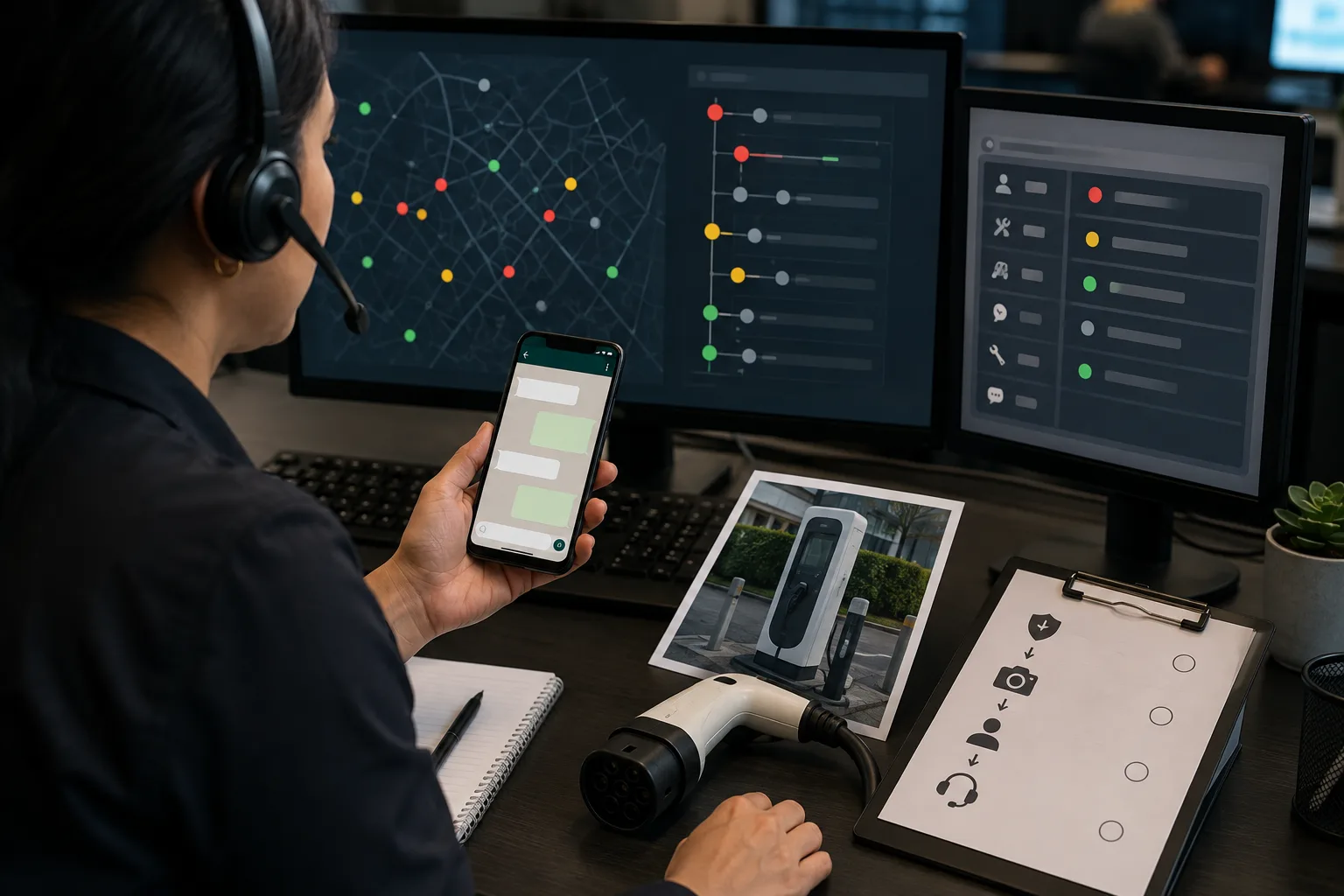
Minimum Information for a Charging Fault Report
- Station ID, address and unit position within the site
- Connector number and the plug type known to the driver
- Session date, time and any reference shown in the app
- The step where charging stopped and the visible error message
- Indicator light, unusual sound or physical-damage observation
- Safety signs such as smoke, sparks, excessive heat or exposed parts
- Whether the vehicle remains connected and the driver is in a safe place
- Return contact channel and incident number
Never Give Risky Technical Instructions
Chat should not suggest opening an electrical cabinet, touching a damaged cable, operating protection devices or physically resetting equipment unless an authorised procedure explicitly permits an action. General guidance such as keeping clear, not using the device and following site warnings must align with the operator's approved safety procedure. Authorised emergency channels take priority when people or vehicles may be at risk.
Set Priority from Symptoms and Impact
Not every failed session needs a field visit, but not every incident belongs at low priority. Physical safety signs, multiple affected connectors, a whole site being unavailable, a trapped connector and repeated failed sessions create different priorities. Make the reason for any score visible and send high-risk classifications to rapid human confirmation.
Provide an Incident Number and Trackable Status
Do more than say ‘we sent this to the team’. Give the driver an incident number, current status, expected next step and update channel. EPDK's official Energy Transformation FAQ describes obligations around communication channels where charging-service user requests can be recorded and tracked. Operators should separately verify the current regulation and their own service procedures.
Do Not Confuse WhatsApp Acceptance with Delivery
An API acceptance response does not prove that a driver received or read the message. Meta's official Cloud API sending guide distinguishes request acceptance from message delivery, which is followed through webhook status updates. A critical incident update should not be marked complete only because the send call succeeded.
Limit Personal Data to the Incident
Station, session time and symptoms may be necessary for technical review, while unrelated location history or a driver's complete charging habits may not be. KVKK's general principles for processing personal data emphasise relevant, limited and proportionate use. Define access roles, retention and the purpose of matching chat data with technical logs.
Preserve Incident Context During Human Handoff
A safety sign, trapped connector, widespread site outage, payment dispute or issue that cannot be resolved remotely requires human support. The handoff summary should carry station identity, driver statements, images, timeline, safe steps already taken and uncertainties together. Our human handoff guide explains the basic structure that prevents context loss.
Measure Incident Quality, Not Closed Conversations
Closing a chat does not prove resolution. Track correct-station identification on first intake, repeat information requests, incorrect priority, time to human handoff, status updates that reach the driver and incident records that reconcile with technical closure. Our chatbot KPI guide helps define comparable operational signals.
A Traceable EV Charging Fault Record with BozLat
BozLat can structure station, connector, session, symptom and safety fields from a WhatsApp conversation, expose missing details and send operations a sourced incident summary. Technical diagnosis, emergency decisions, field intervention and regulatory compliance remain with authorised teams. Review volume-based options on the pricing page.
Frequently Asked Questions
Related Articles
9 min read
After-Hours Emergency Messages for Apartment Managers
Separate urgent night-time reports from routine requests, alert the right on-call person and leave a complete handover for the daytime property management team.
9 min read
Cold Storage Service Fault Intake through WhatsApp
Capture cold-storage faults safely in WhatsApp; organise alarms, temperature trends, equipment context and site access for a prepared service response.
9 min read
WhatsApp Damage Intake for Professional Auto Glass Shops
Collect auto glass damage photos in WhatsApp, then create a complete record for safe guidance, part verification and a properly prepared service appointment.
Ready to set up an AI assistant for your business?
View Pricing