July 14, 2026 · 10 min read
AI Assistants for Law Firms & Attorneys: Ethical Standards
Inbound communication at a law firm differs from other sectors in two ways. First, the person making contact is often in the middle of a crisis, and response speed is the first step in building trust. Second, that communication is framed by professional conduct rules, and the technology choice has to respect that frame.
This guide explains which tasks an AI assistant can take over at a law firm, which boundary it must never cross, and how to keep the configuration aligned with professional rules.
The red line: the assistant does not give legal advice
The fundamental boundary when configuring an AI assistant for a law firm is this: the assistant does not produce legal assessment, opinion or advice. Characterising a described situation in legal terms, commenting on the chances of a case, or calculating a limitation period is work that belongs to the attorney.
This is not merely a technical preference; it is a requirement framed by attorney conduct legislation and bar association regulations. The assistant's role is that of a front-desk receptionist who greets and routes correctly; the moment it starts generating legal content, both conduct rules and firm liability come into play.
In practice the boundary is protected by two rules: rather than answering a legal question directly, the assistant routes to a consultation, and in any situation of uncertainty it escalates to the attorney. Confirm your own bar association's current regulations before going live.
Tasks the assistant can take over
- Subject identification and routing: determining whether an enquiry falls under criminal, family, employment, commercial or property law and passing it to the right attorney.
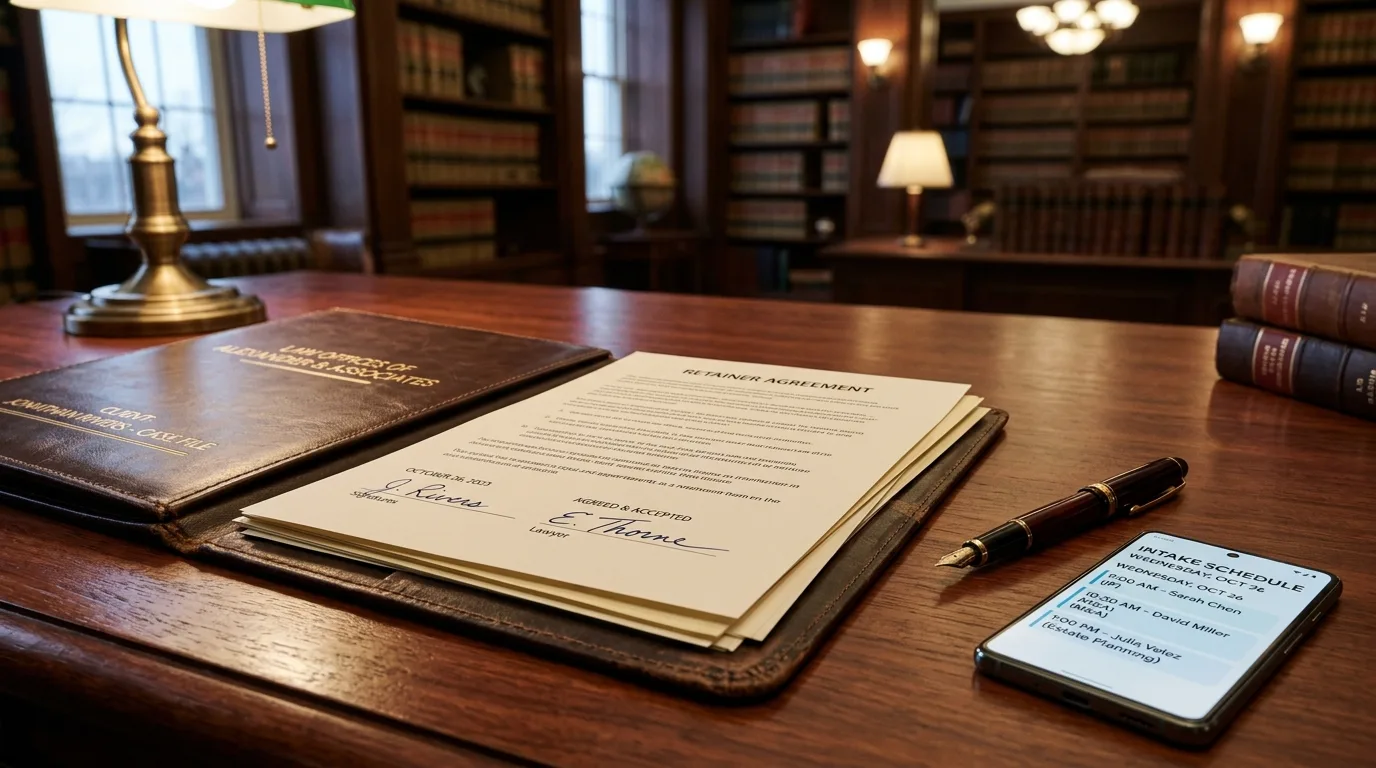
- Appointment scheduling: offering available consultation slots, creating the booking and sending reminders.
- Preliminary intake: collecting structured details that speed up the consultation, such as party names, date of the incident and available documents.
- Providing process information: relaying administrative details such as office hours, location, first-consultation policy and document submission methods.
- After-hours coverage: recording enquiries that arrive at night or over the weekend and queueing them for the next business day.
- Status notifications for existing clients: delivering attorney-approved notices such as hearing date reminders.
Complying with advertising restrictions
Advertising restrictions in the legal profession directly shape the tone of communication texts. The assistant's language must be informative and must not contain promises of work or guaranteed outcomes.
| Appropriate approach | What to avoid |
|---|---|
| Stating the firm's practice areas as information | Sharing success rates or case win counts |
| Explaining the appointment and consultation process | Creating expectations about case outcomes |
| Relaying the first-consultation policy | Using campaign, discount or price-competition language |
| Identifying the subject and routing to an attorney | Making legal characterisations or timing judgements |
Privilege, data protection and confidentiality
What someone shares when contacting a law firm falls under attorney-client privilege and is simultaneously personal data; in health-related or criminal matters it may constitute a special category of personal data.
Three points must therefore be settled up front: where the data is stored, who can access it, and how long it is retained. It must be contractually guaranteed that conversation records are not used for third-party model training and do not leave the firm's control.
Information collected during pre-screening should also be kept as limited as possible: having the assistant ask only what is needed to route to the right attorney, rather than the full detail of the matter, is better for both confidentiality and user experience. See our consent collection and chatbot data protection compliance guides.
Conflict of interest and duplicate enquiry checks
A risk specific to law firms is that the opposing party in the same dispute may also contact the firm. The assistant cannot make this determination itself, but by collecting party names early it allows the attorney to run a conflict check before the consultation.
Asking for party details in the intake form is therefore one of the most practical protections automation provides.
Transparency: the enquirer should know who they are talking to
It is necessary, for both trust and expectation management, that the person making contact knows they are speaking with an automated assistant. Stating this clearly at the greeting also makes it immediately understood that the assistant does not give legal advice. For detail see our bot transparency and customer trust article.
What should you measure?
The metrics worth tracking at a law firm differ from sales-driven sectors. The meaningful ones are: number of enquiries handled outside business hours, share of enquiries converting into a consultation, correct routing rate by practice area, and the rate of missing information in conversations escalated to the attorney.
To quantify the impact of missed enquiries use the model in the cost of missed leads, and for the full measurement framework see our chatbot KPIs guide.
The same rules apply to call traffic
A significant share of law firm enquiries arrive by phone. If a voice assistant is used, every boundary above applies unchanged: the assistant identifies the subject, creates the appointment and offers no legal commentary. For setup detail see our voice AI assistant guide.
Setting up with BozLat AI
BozLat AI builds the knowledge base solely from content your firm provides and prevents the assistant from stepping outside that frame; any question it is unsure about is escalated to the attorney. See our BozLat AI pricing page for scope and packages.
Frequently Asked Questions
Related Articles
6 min read
Why Does Your Bot Sound Like a Robot? 9 Fixes for a Natural Tone
Customers remember how an AI assistant said something more than what it said. Here are the patterns that make replies feel cold and mechanical, and nine concrete fixes.
8 min read
When Your AI Assistant Invents Answers: Preventing Hallucination
How to stop a customer-facing AI assistant from inventing discounts, quoting wrong prices or promising services you do not offer: grounding, refusal paths and adversarial testing.
10 min read
Voice AI Assistant: Inbound Call Management Guide 2026
What is a voice AI assistant and how does it work? ASR, LLM and TTS layers, latency, pronunciation quality, warm transfer, cost model and which businesses it actually suits.
Ready to set up an AI assistant for your business?
View Pricing